USER INSTRUCTION MANUAL
Page 28 of 49 ENGLISH
11.2 Using the StimLab™ Bedside Controller Features
Micropace bedside controller may be wheeled into the EP lab and hot-plugged to the Stimulator in
using the Quick Connector, ready for use.
11.2.1 Input Device Control
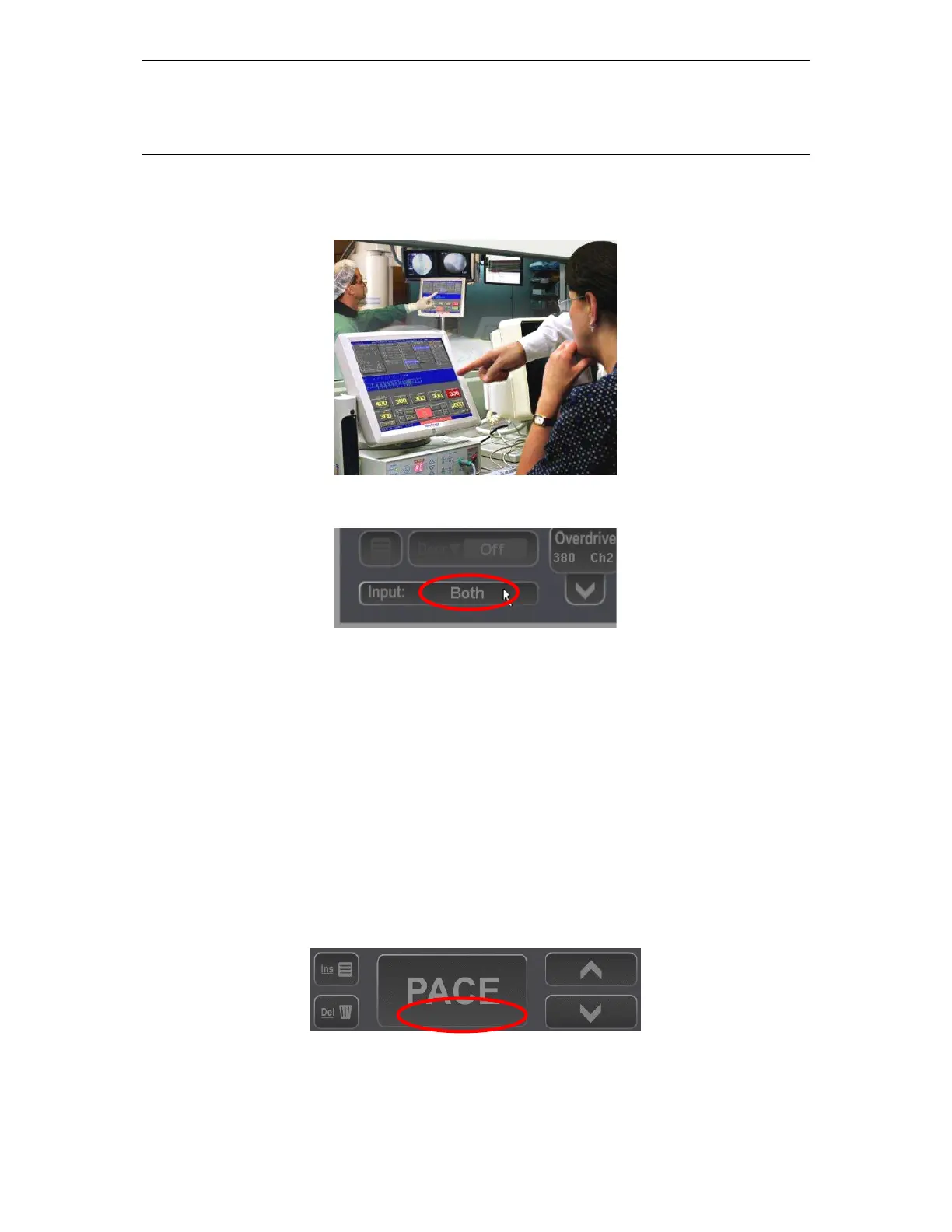
Pressing the Input button in right lower corner of display opens the Input Selection Menu which allows
the user to selectively enable the Local Touch screen, the Remote Touch screen and the Keyboard.
Once Selected, the Input parameter then indicates the selected combination of input devices with “LT”.
“RT”, “KB” and “All”.
11.2.2 Local/Remote Indicator:
This text indicator at the top of the PACE button indicates which Station is currently in use and thus
has exclusive control:
(i) “Local” - Local screen is in exclusive control ( keyboard is also pressed)
(ii) “Remote” - Remote screen has control
(iii) “ “ - No text when neither screen touched for > 2 seconds
Local



 To Next Page