©2013 Microsoft Page 101
Using Maps
Swipe down from the top of the screen, and then tap or click
Show traffic.
Open the Settings charm and then tap or click Options.
Print directions and maps
Open the Devices charm, choose a printer, then tap or click Print.
Open the Share charm and then tap or click Mail.
Troubleshooting
If your location doesn’t appear in the Maps app, you might need to change your privacy settings. Here’s how:
1. Open the Settings charm, then tap or click Change PC settings.
2. Tap or click Privacy, and make sure Let apps use my location is On.
To learn more, see Bing Maps app: Frequently asked questions on Windows.com.
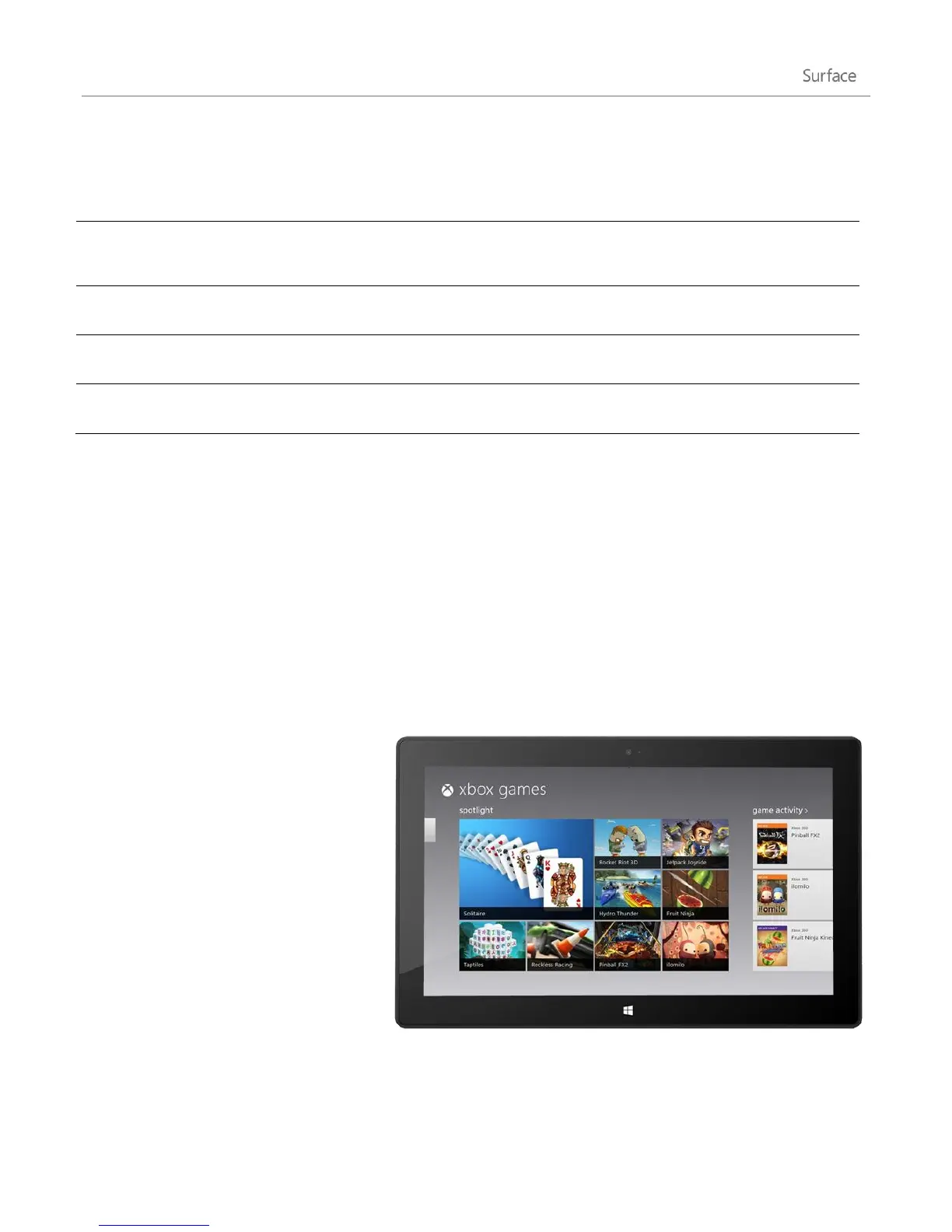
Xbox Games
Even if you don't own an Xbox 360, you
can use the Xbox Games app to get games
and socialise with your friends. You can
view your game progress, earn awards and
achievements, and see which friends are
online and what they're playing.
And if you want to let your friends know
what you're up to, use the Share charm to
send links to your favourite games, your
profile, and achievements.












 To Next Page