©2013 Microsoft Page 2
Highlights
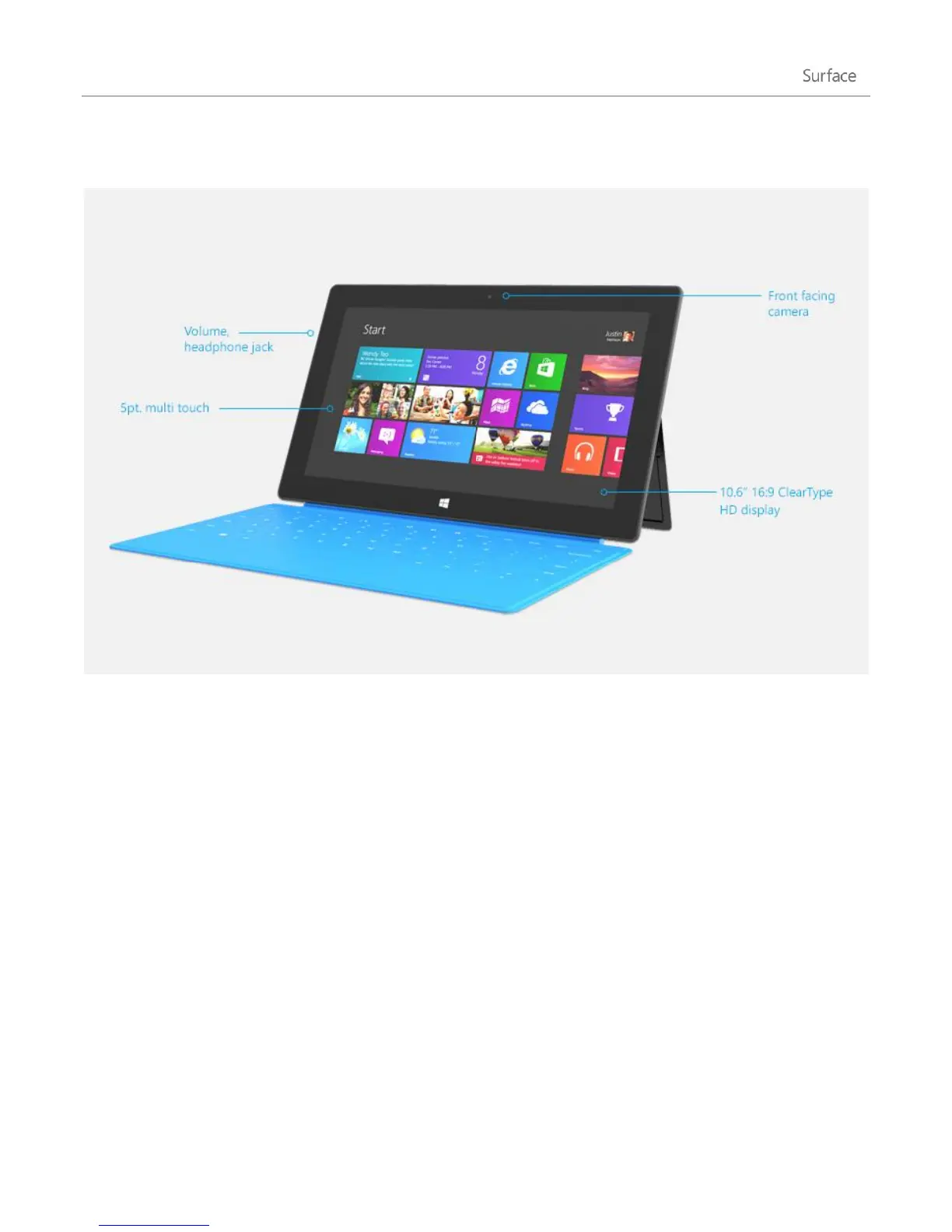
Really quickly, here are some of the features of your Surface RT:
Like with a smartphone, you can browse the web or your email using touch.
The touchscreen, with its 16:9 aspect ratio and ClearType technology, is great
for watching HD movies, browsing the web, and using the included Office
apps.
And touch isn’t the only option. Choose from two unique keyboards that
double as a protective cover. This way you’ll always have a keyboard with you
(sold separately).
Two cameras — front and back
Two cameras that you can use for video calls or taking pictures.
Connect to a wireless network and use devices with Bluetooth such as mice,
printers, and headsets.
Built-in microphones make it easy to record videos and call people using your
Surface.












 To Next Page