©2013 Microsoft Page 3
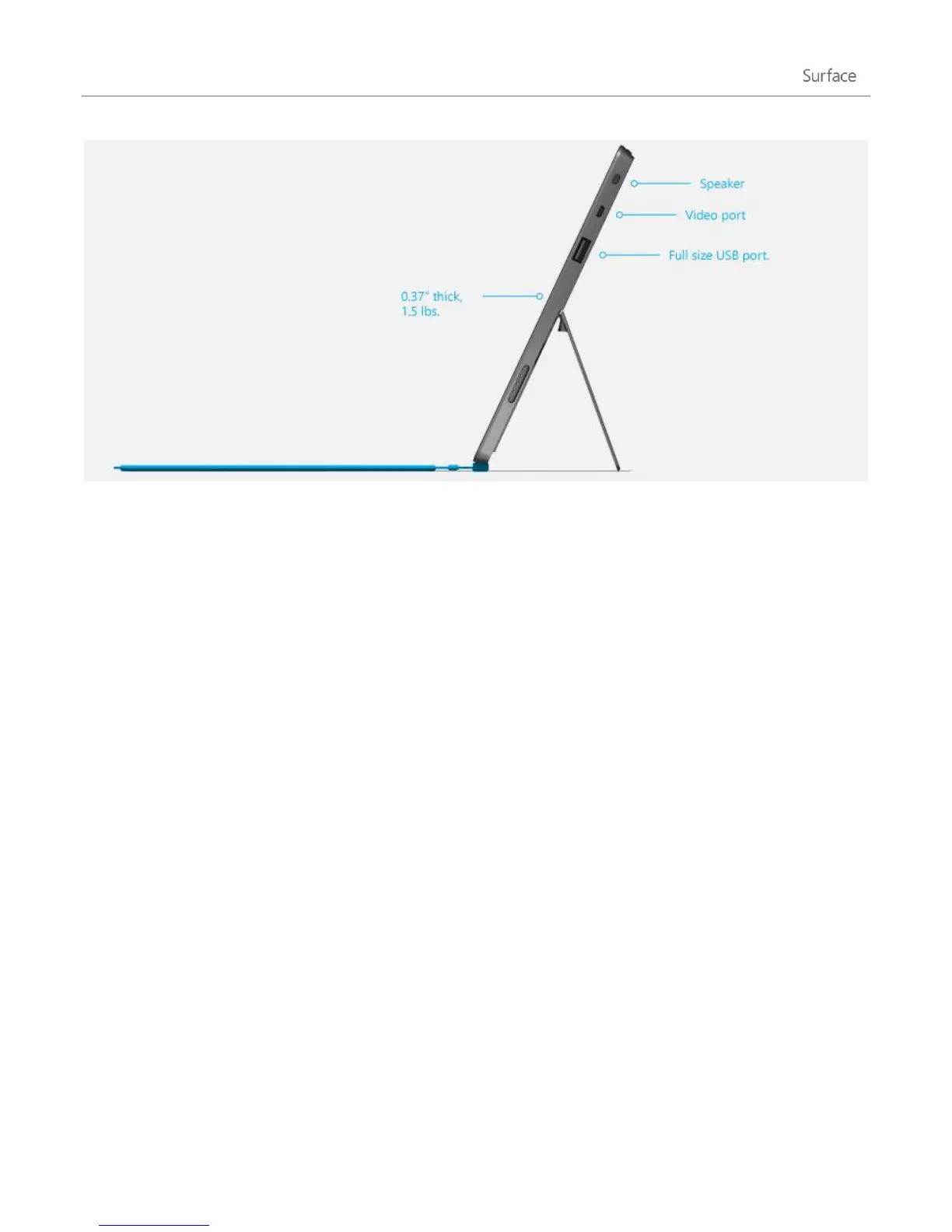
Flip out the kickstand when you want to be productive or kick back and have some
fun.
Stereo speakers, headset
jack, and volume
Listen to music, radio stations, podcasts, or audio books using apps from the
Windows Store or Internet Explorer.
Full-size USB 2.0 port
Connect USB accessories that have been certified for Windows RT, such as a
mouse or printer.
microSDXC card slot
Behind the kickstand, there’s a microSDXC card slot that you can use for extra
storage (up to 64 GB) or transferring files.
HD video out port
Share what’s on your Surface by connecting it to an HDTV, monitor, or projector
(video adapters required and sold separately).
And there are plenty of apps for work and play.
Office Home & Student 2013 RT Preview
Touch-optimised versions of Word, Excel, PowerPoint, and OneNote
are pre-
installed.
Apps
A great collection of built-in apps plus many more apps in the Windows Store.












 To Next Page