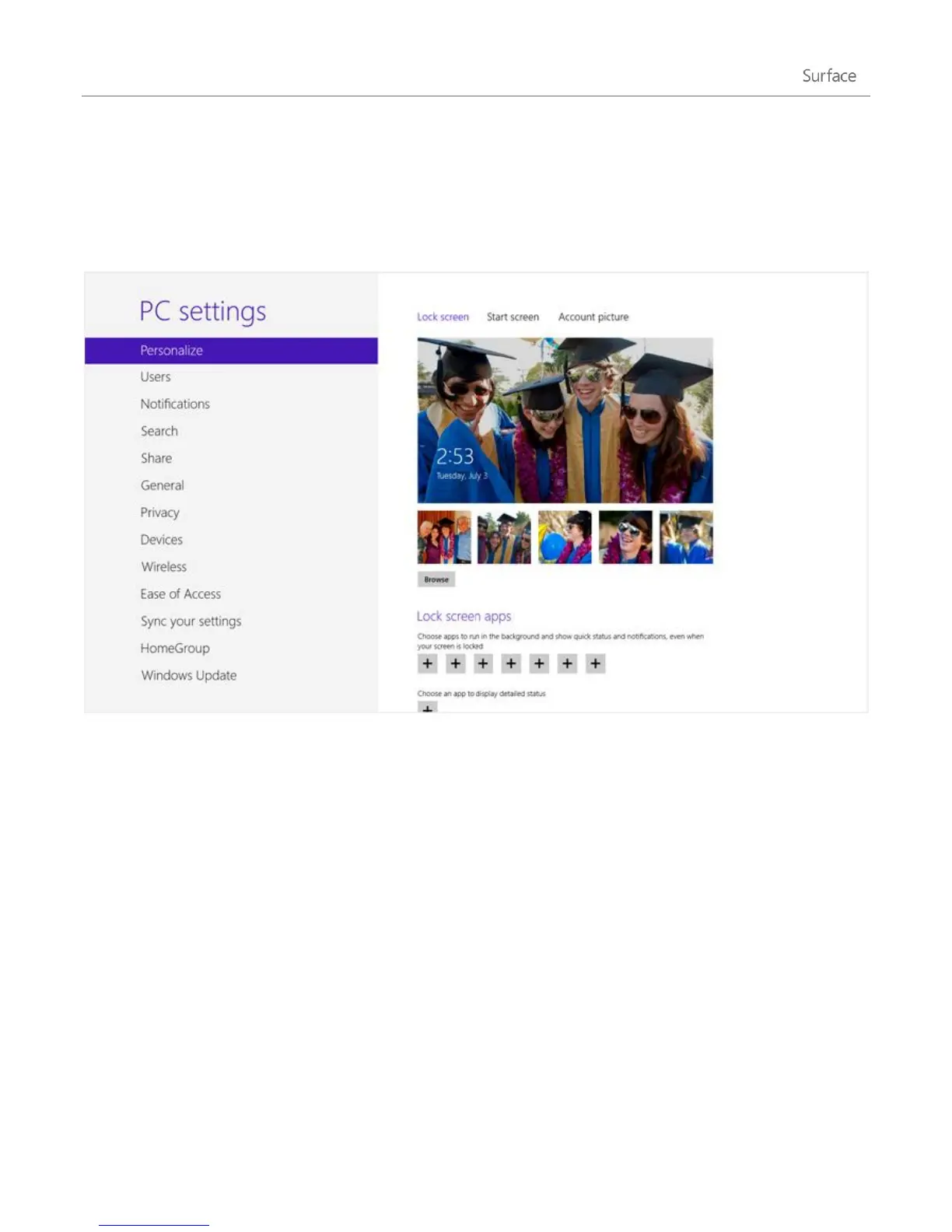
©2013 Microsoft Page 53
Personalise your Surface
In this section you’ll learn how to personalise your Surface.
Add your accounts
One of the first things you’ll want to do with your new Surface is add your accounts—such as Outlook.com, Gmail,
Skype, Facebook, Twitter, LinkedIn—to your Microsoft account. Once you add your accounts, your contacts,
calendar, and email will appear in the Mail, People, and Calendar apps. And you can quickly get to your photos
and files from services such as SkyDrive, Facebook, or Flickr. For more info about this, see the Add your accounts
section in this guide.












 To Next Page