©2013 Microsoft Page 79
Open the Settings charm and then tap or click Help.
OneNote on your phone
You can also use OneNote on your phone to take and access your notes on the go.
Windows Phone 8: Use OneNote Mobile
Windows Phone 7: Use OneNote Mobile
OneNote Mobile for Android
OneNote Mobile for iPhone
Internet Explorer
Surfing the web has never been better. Surface comes with two versions of Internet
Explorer 10:
a touch-friendly app
a desktop app.
This way you can easily surf the web from the Start screen or the desktop. The two Internet Explorer apps share
the same browsing history and settings.
Touch-friendly Internet Explorer
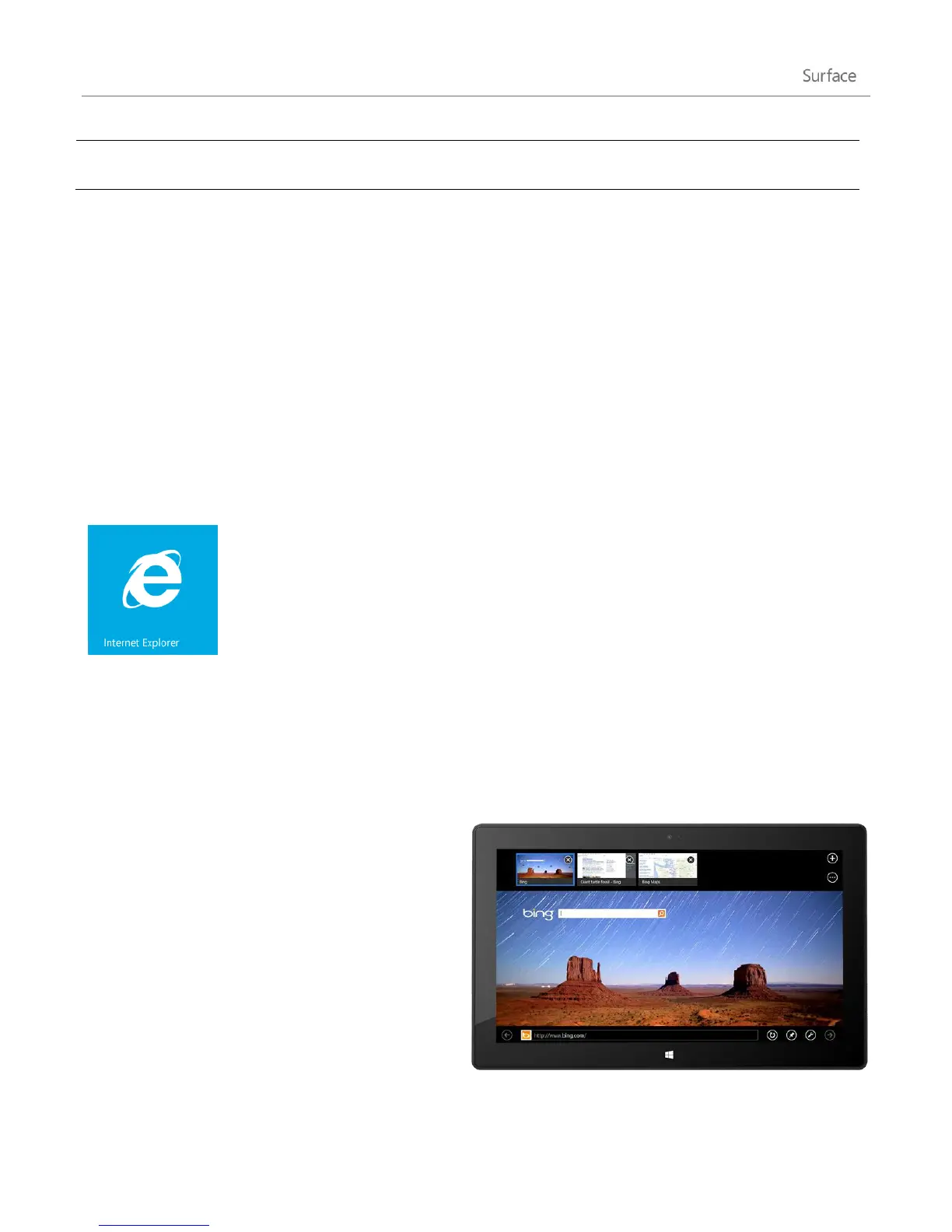
The Internet Explorer 10 app is optimised for touch.
Tiles and tabs are oversized for easy tapping and
appear only when you need them.
To start the Internet Explorer app, go to Start screen
and tap or click Internet Explorer.
Find the Address bar
If you're looking for the Address bar, swipe down
from the top of the screen (or right-click the
trackpad). The Address bar appears at the bottom of your screen and the Tabs bar appears at the top.












 To Next Page