©2013 Microsoft Page 104
Step 3: Play something
1. Open the Video, Music or Games app on your Surface.
2. Select something that you want to play.
3. Tap or click Play on Xbox 360. The SmartGlass app starts and the item starts playing on your Xbox 360.
In addition to playing content, Xbox SmartGlass might show you info about the movies, TV shows, games, and
music that you’re enjoying (a second-screen companion).
7
Broadband Internet required; ISP fees apply. Not all games and Xbox content is SmartGlass enabled. Xbox Live Gold membership, additional
fees and/or requirements apply for some content, including Xbox Music. Available features and content vary by device and region and over
time. See xbox.com/live.
More built-in apps
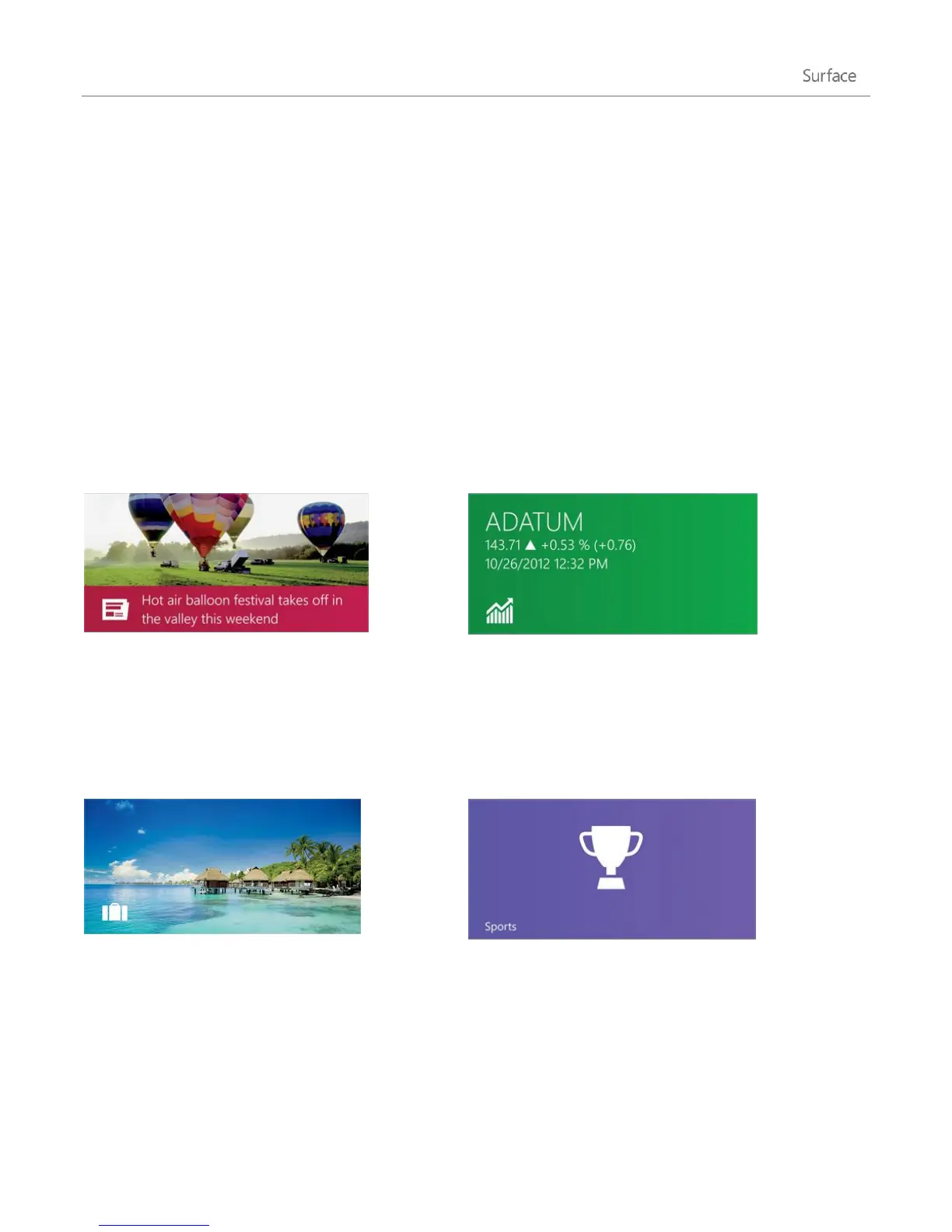
Keep up to date with what’s happening in the world
using this photo-rich app. Swipe through for a quick
read of the headlines or go deep on the topics
you’re passionate about.
Stay on top of the fast-changing market conditions.
Swipe through colourful charts for a quick read on
the day’s activity.
Get inspired to travel along with all the tools you
need to plan your next trip. With a quick tap or click
you can explore destinations all over the world.
Follow the sports, teams, and players you care
about. Swipe through the app to get an overview of
the headlines, scores, schedules, stats, and more.












 To Next Page