©2013 Microsoft Page 11
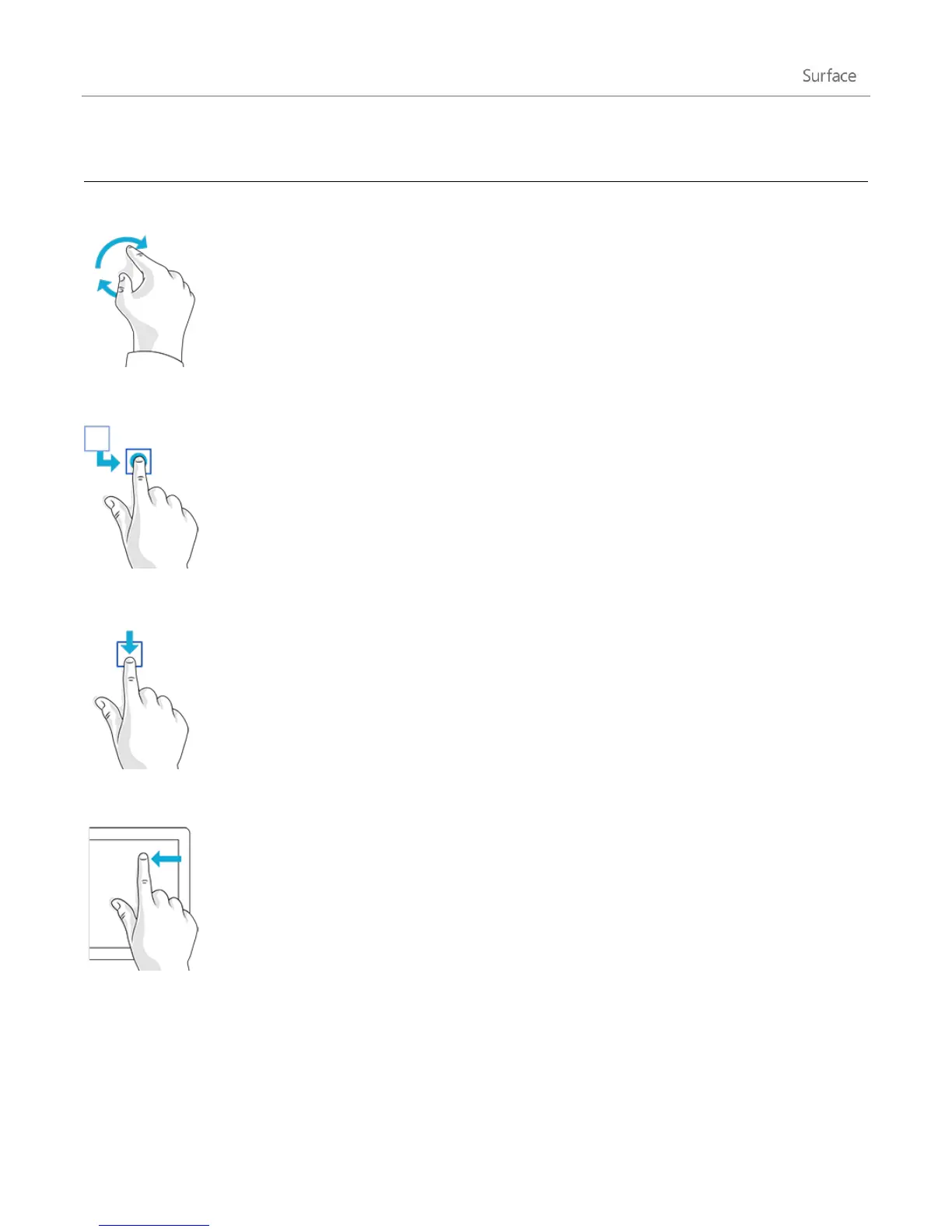
Put two or more fingers on an item and then
turn your hand.
Rotates things that can be rotated.
Tap and drag an item to a new location, and
then let go.
Moves an item, just like dragging with a
mouse does.
To learn how to rearrange tiles on Start,
see Customise the Start screen section in
this guide.
Slide an item a short distance, opposite to
how the page scrolls. (For example, if the
screen scrolls left to right, slide the item up
or down.) A quick, short movement works
best.
Selects an item, such as an app tile or
photo. Do this at the top or bottom of an
app window to show app commands.
Swipe in from the edge of the screen.
See the previous topic for info about this.











 To Next Page