©2013 Microsoft Page 25
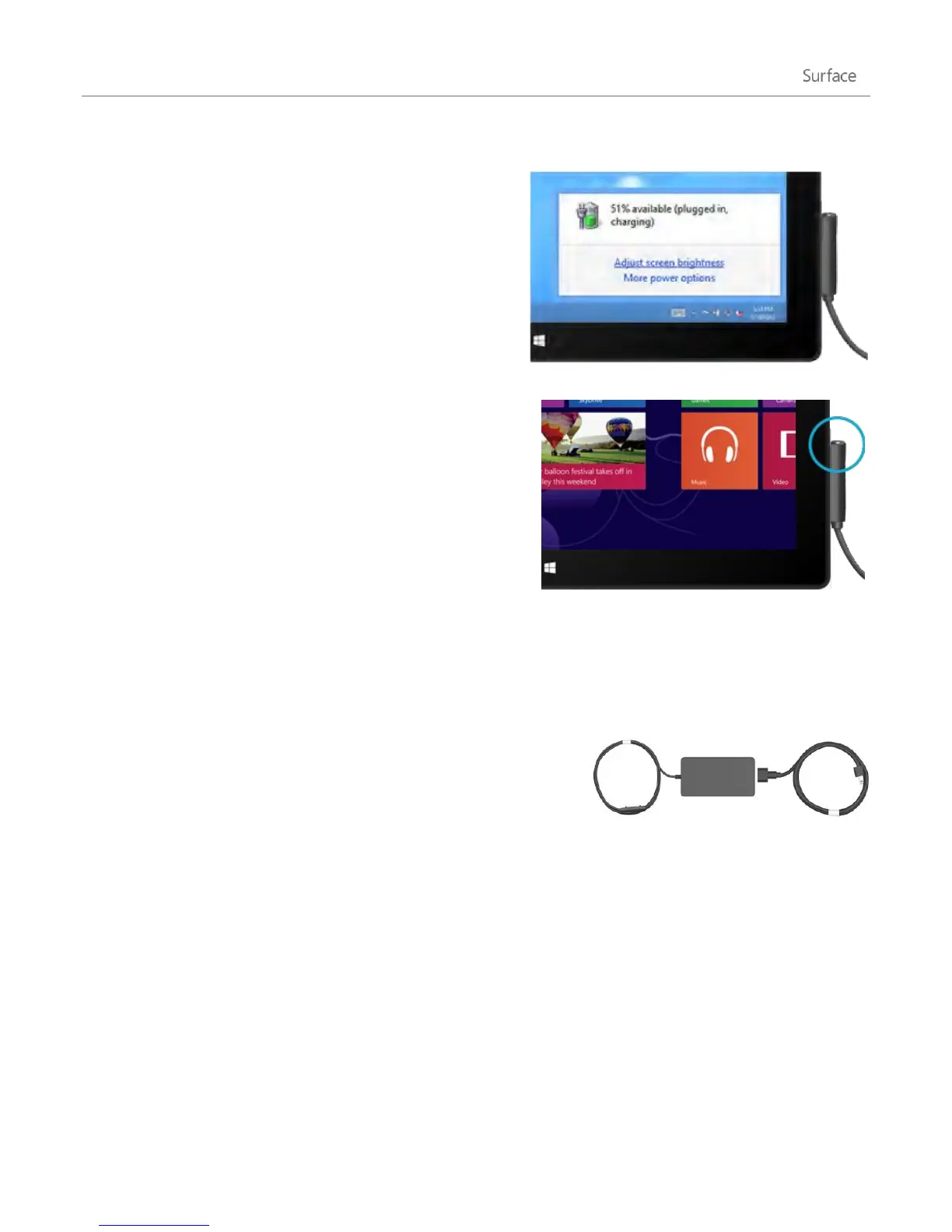
Desktop taskbar When you’re at the desktop, the battery status appears on the taskbar (lower-right corner).
Tap or click the battery icon for info about the charging
and battery status, including the percent remaining.
Windows alerts you when the battery starts to get low. When
you’re alerted, be sure to attach the power supply. If you don’t
recharge the battery, Surface will eventually save your work
and shut down.
Charge Surface
At the end of your day or when the battery is low, charge your
Surface using the included 24-watt power supply.
Once connected, a small light appears at the end of the
connector to show that Surface is getting power.
To make sure your Surface is charging, swipe in from the right-
edge of the screen and look in the lower-left corner to see the
battery status. When charging, the battery icon appears with an
electrical plug. It takes 1-2 hours to fully charge your Surface RT battery from an empty state—longer if you use
Surface while it’s charging.
48 watt power supply with USB charging port
A 48-watt power supply with a USB charging port can be purchased
separately. (The 48-watt power supply is not available in all countries or
regions. For more info, see Power Supply on Surface.com.) The USB
charging port can be used to charge other devices, like a phone, while
you charge your Surface.
Note The USB port is only for charging. Devices connected to the USB charging port aren’t recognised by
Surface. If you want to use a USB device, plug it into the USB port on Surface. Find out more about this in the Add,
view, and manage your devices and printers section of this guide.
You can also purchase an extra 24-watt power supply for your Surface.
For info about either power supply, see Power Supply on Surface.com.












 To Next Page