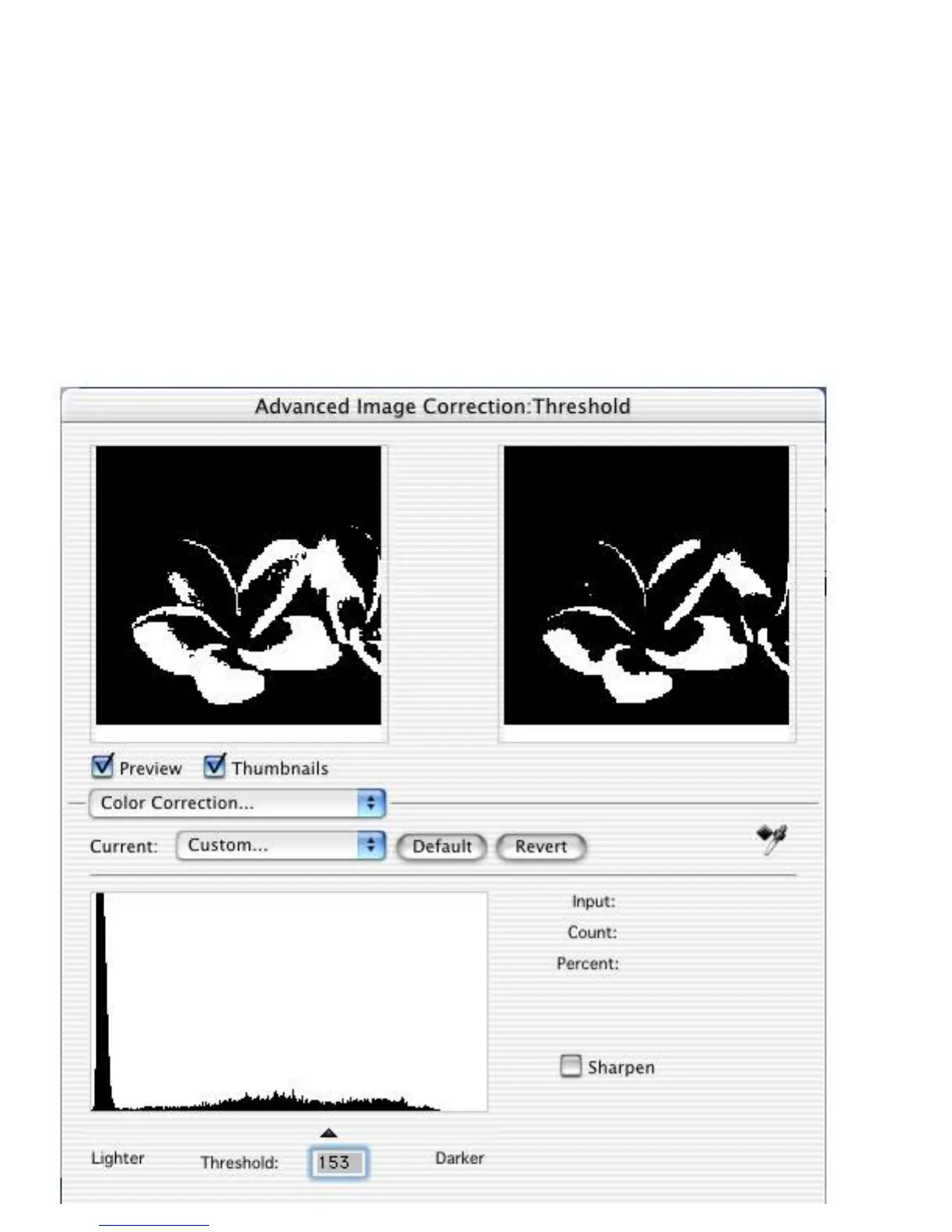
Advanced Control Panel > Settings window
Threshold tool
For Line Art images, the only AIC tool available is the Threshold tool.
Threshold is the dividing line between black and white; the range is 0 to
255, and the default is 128. Thus, gray levels below the Threshold are
converted to black, while gray levels equal to or above the Threshold are
converted to white, resulting in a high-contrast, black-and-white
representation of the image.



 To Next Page