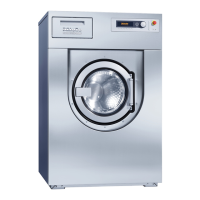
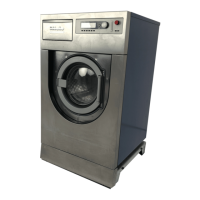
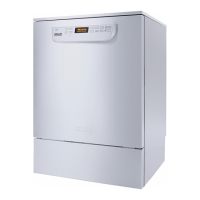
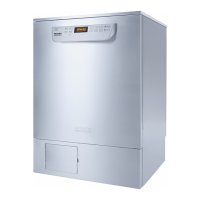
Machine description
15
Program start/pro-
gram sequence
buttons/symbols
Symbol Description/function of the button
Program start
Program cancellation
Opens the input screen for selecting the start time
Door locked
Shows the program sequence display in the default view
In/Out
Schematic program sequence display, contains informa-
tion for Miele Technical Service
Displays the program sequence as a diagram
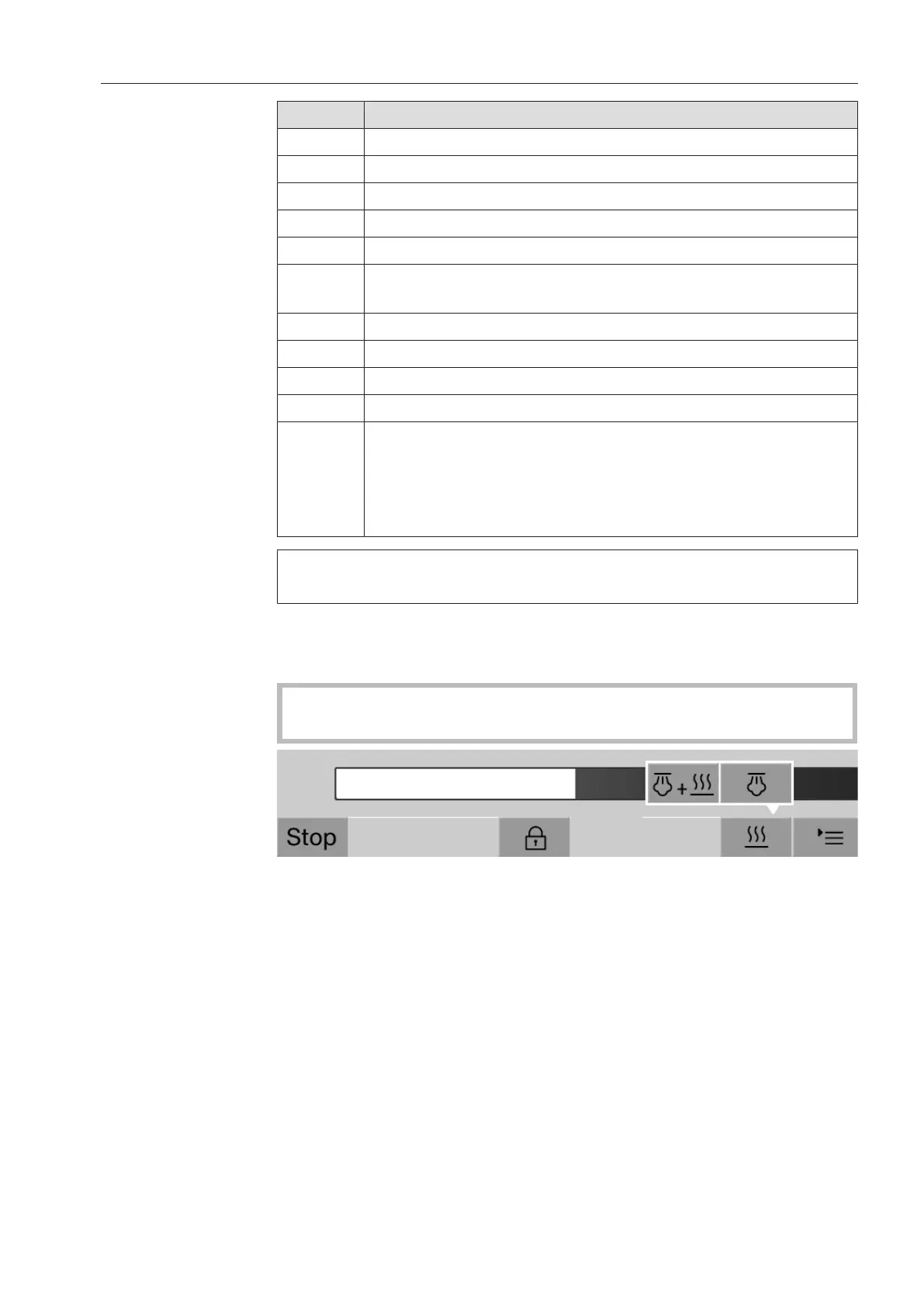
Selects the steam heating method
Selects the electric heating method
+ Selects the electric and steam heating method
(next to
the
progress
bar)
Displays the current faults and warnings in the progress
bar
Heat-up
context menu (op-
tional)
This context menu is only available in machines where it is possible
to switch the energy supply from electric to steam.
The energy source for heating can be changed before and during the
program sequence. The selected setting is used for heating up the
wash water and the DI water in the DI water tank.
The selected setting is applied permanently in the machine con-
trols.
Press the button to open the context menu.


 To Next Page