System settings
68
Carrying out a
program test
Newly created or modified reprocessing programs can be checked
with the Program test. A program can only be enabled with the
Checkedparameter if a reprocessing program has run through the
Program test without any faults (see programming manual, “Program
administration”).
The Program test can be used to check the cleaning performance.
During the program test, the program sequence stops after each pro-
gram phase and the door on the infeed side can be opened so that a
sample can be taken.
When you open the door between 2program phases, please be
aware of the following sources of danger:
– risk of burning and scalding after high-temperature program
phases
– risk of contact with corrosive substances after program phases
that dispense process chemicals
– risk of inhaling toxic vapors after program phases that use disin-
fectants
Steam that escapes from the machine after high-temperature
phases can trigger a false alarm in smoke detectors.
0:25
194 °F
Duration
Universal
user/
18.06.2018 15:05
BED
US
Program block
Temperature
Main wash 1
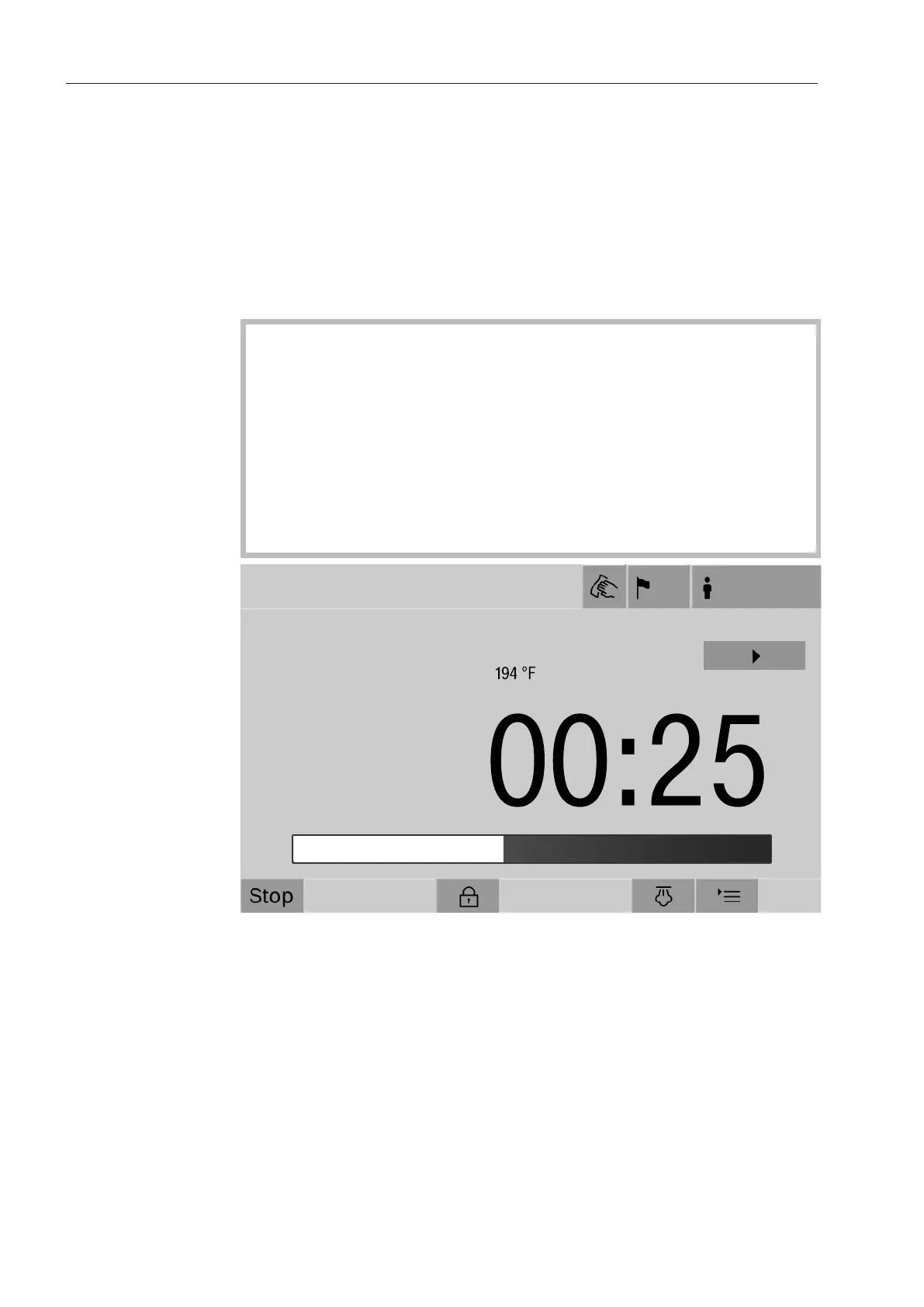
After the reprocessing program has started, an additional button is
displayed next to the program phase. The button has two functions:
- Continue the reprocessing program without opening the door.
- Skip the next program phase.
Sampling example
Press the Program testbutton.
The display shows the available load carrier options.
Press the button for the required load carrier.
The available reprocessing programs are displayed.


 To Next Page