System settings
71
Managing favorites
You can define your 4most commonly used programs as favorites in
the Manage favoritesmenu.
If Automatic program allocationis not activated:
After the Reprocessingbutton has been pressed, all reprocessing
programs assigned to the load carrier are displayed.
If you select the reprocessing program via the Favoritesbutton in-
stead, only the 4reprocessing programs defined in the Manage fa-
voritesmenu are displayed.
If none of the 4favorites is assigned to the load carrier as a repro-
cessing program, the following message will appear on the display:
No Favorites available for current load carrier.
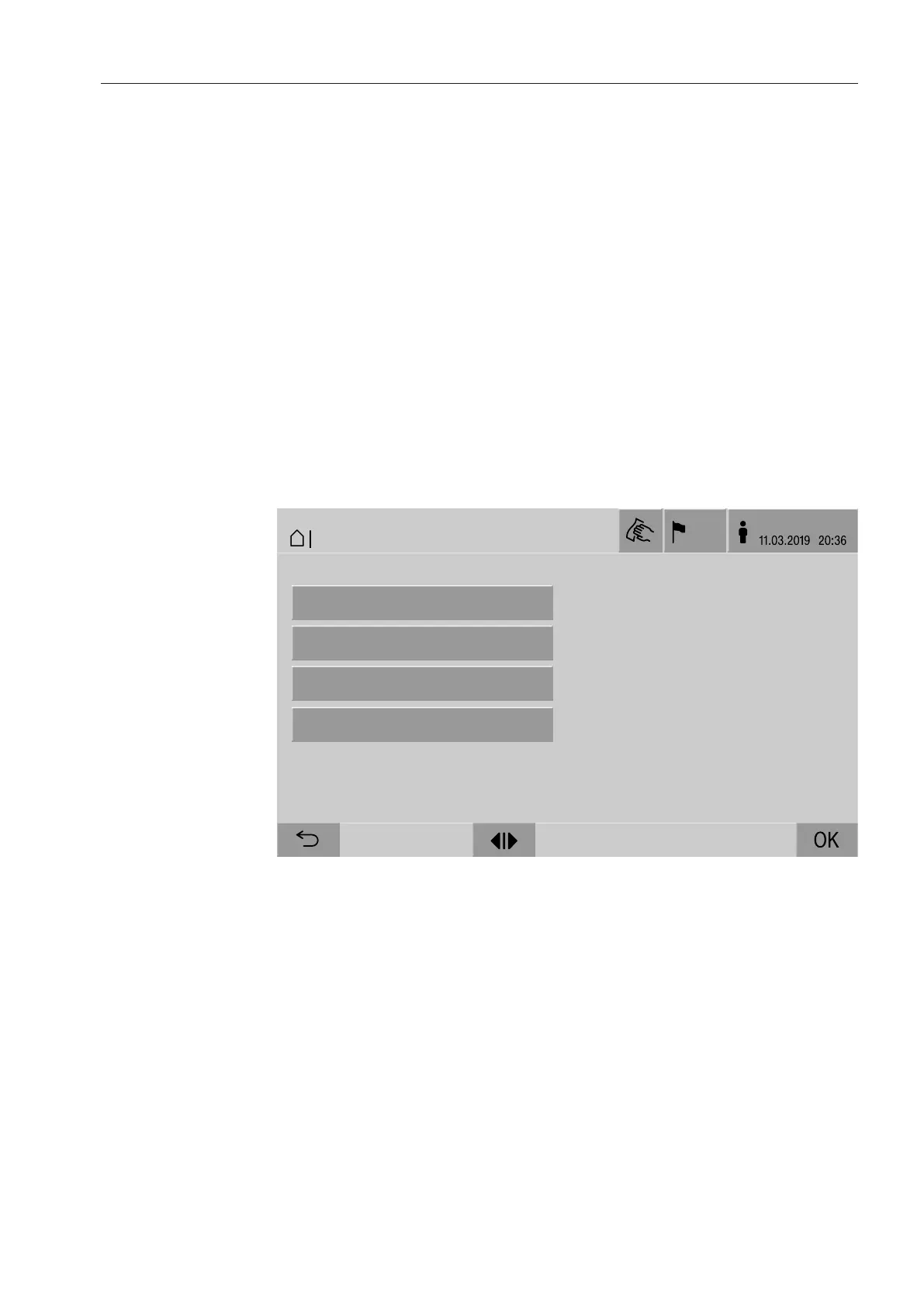
To define favorites:
Press the Manage favoritesbutton.
4buttons are displayed for the favorites.
Blind
Blind
Blind
Blind
Blind
Instruments
Container
MIC
Orthopaedics
OK
DE
LogIn
06.12.2014 20:36
SP / WORLD
11.03.2017 20:36
| System | Systemsprach
OK
11.03.2019 20:36
|
BED
user/
US
System
|
Manage favorites
Favorite 1
Favorite 2
Favorite 3
Favorite 4
:
:
:
:
Universal
Universal Plus
Pipettes 1
Agar Plus
Press the Favorite 1button.
The list of reprocessing programs is displayed.
Press the button for the required reprocessing program; Universal
in this example.
The name of the reprocessing program is displayed in the Favorite
1button.
Define favorites 2–4 in the same way.
Press OK to exit the menu.


 To Next Page