Maintenance measures
77
Cleaning the machine
Locking the dis-
play
The machine display can be locked for cleaning and surface disinfec-
tion.
Press the button in the header.
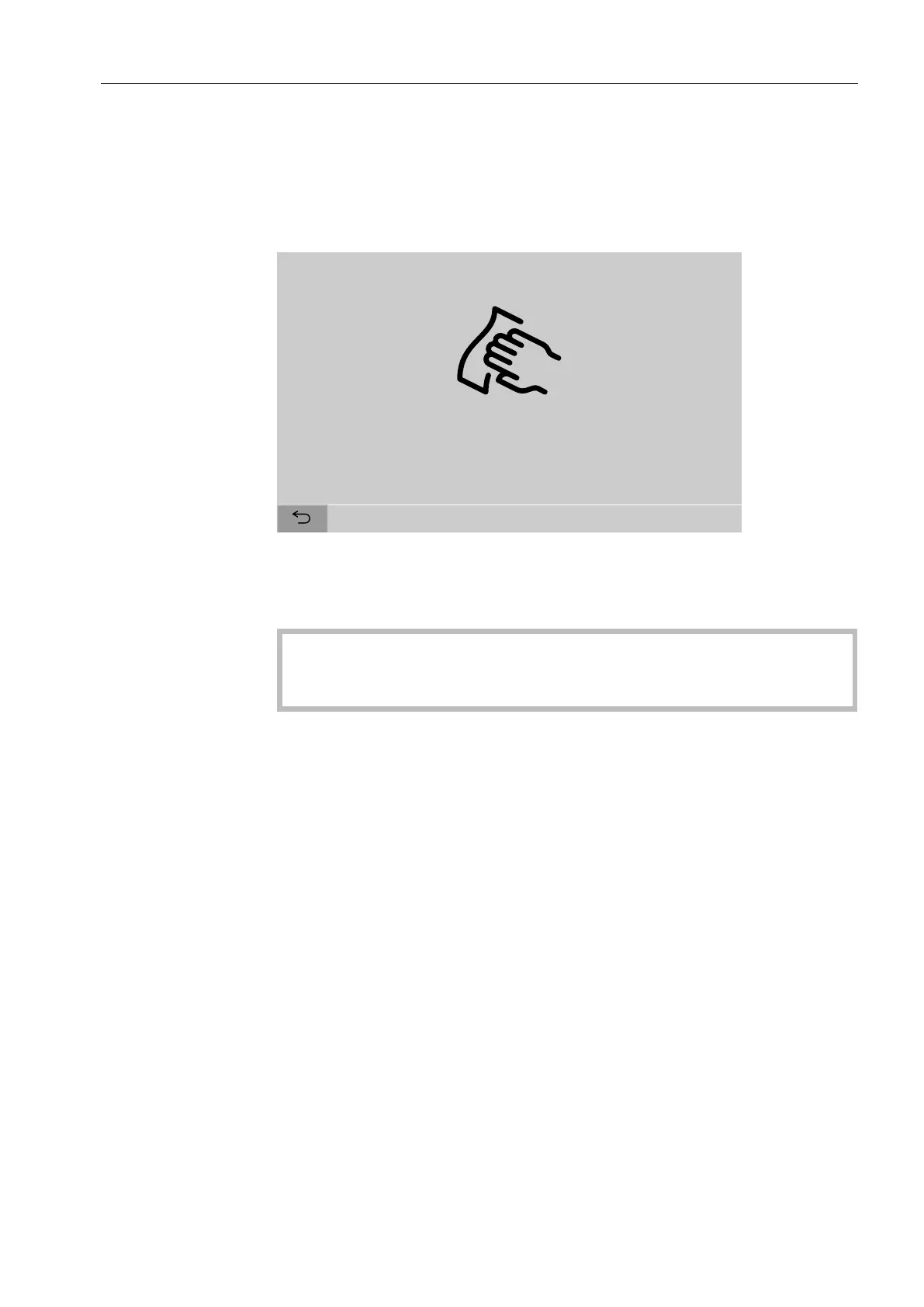
The following will appear on the display:
Press for 3 seconds to quit
To unlock the machine display, hold the button for around 3s.
Cleaning control
elements and the
glass door
The glass door and the display should only be cleaned with a damp
cloth or a suitable cleaning agent designed for use on glass.
Do not use any abrasive materials or general-purpose cleaners.
These can cause considerable damage to the glass due to their
chemical composition.


 To Next Page