System settings
63
Starting the con-
tinuous program
A repeated program start can be defined for a reprocessing program
in the Continuous programmenu. This function can be used for wash-
related trials, e.g., material tests, or for periodic decontamination in
the event of long downtimes.
Press the Continuous programbutton.
The display shows the available load carrier options.
Press the button for the required load carrier.
The available reprocessing programs are displayed.
Press the button for the required reprocessing program.
The parameters for defining the continuous program are displayed.
The buttons next to the parameters open the on-screen keyboard.
The limits for the selected parameters are displayed in the header of
the on-screen keyboard.
Parameters for the continuous program
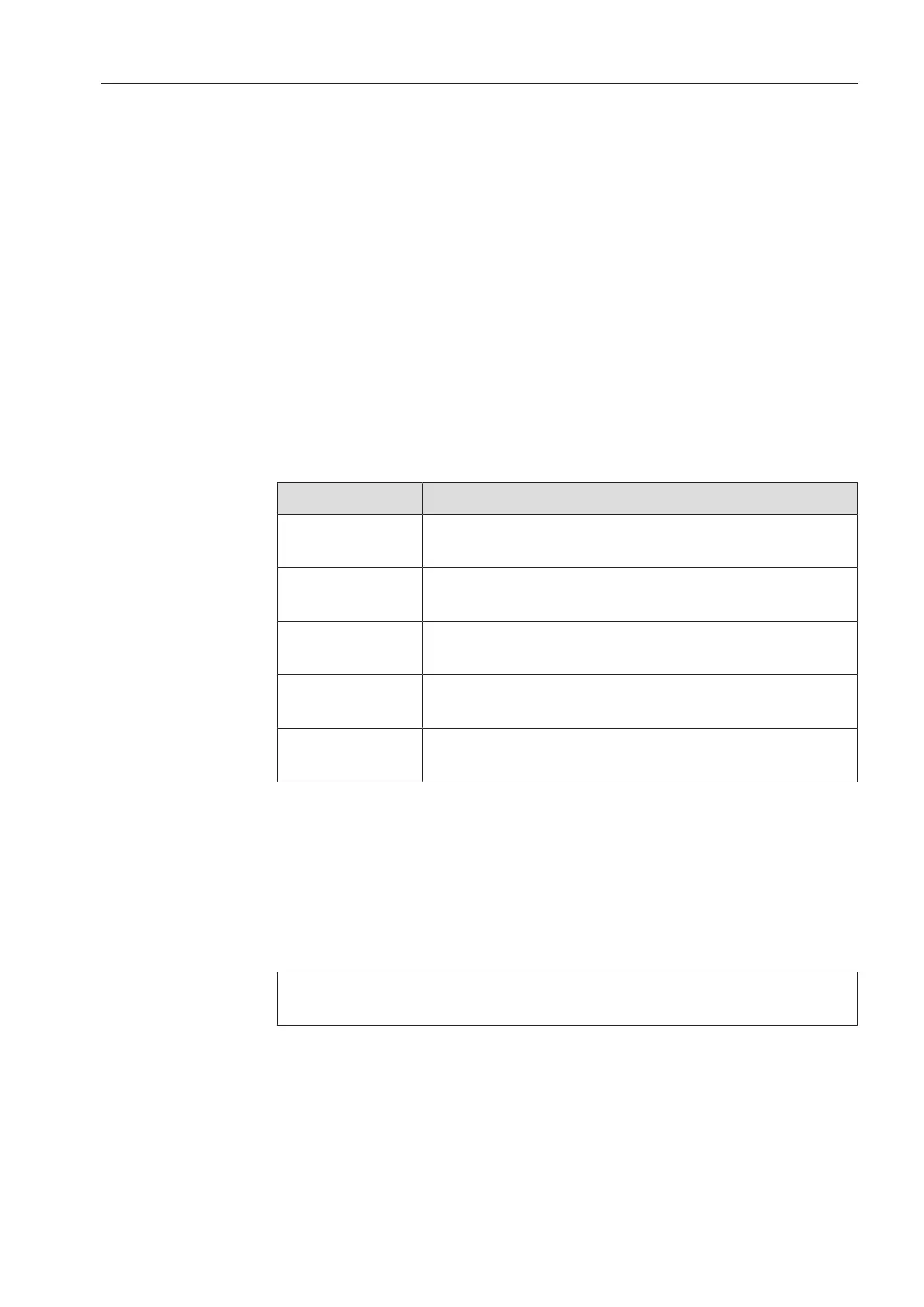
Parameter Definition
Program cycles Number of program runs for the continuous pro-
gram
Pause between
program cycles
Period between the end of the program and the
subsequent program start
Door delay Period between the end of the program and the
opening of the machine door
Open door for Period between the opening and closing of the
machine door
Door selection Choice of machine door which is opened after a
program run
Enter the required values for each parameter.
Press the button in the footer to start the continuous program.
The message Continuous program: Warning! Door opens and closes
automatically. will appear on the display. Press OK to start the contin-
uous program and to cancel the procedure.
Once it has been started, the reprocessing program is repeated until
the set program runs have ended.
You can cancel the continuous program at any time with the
button.


 To Next Page