Appendix
94
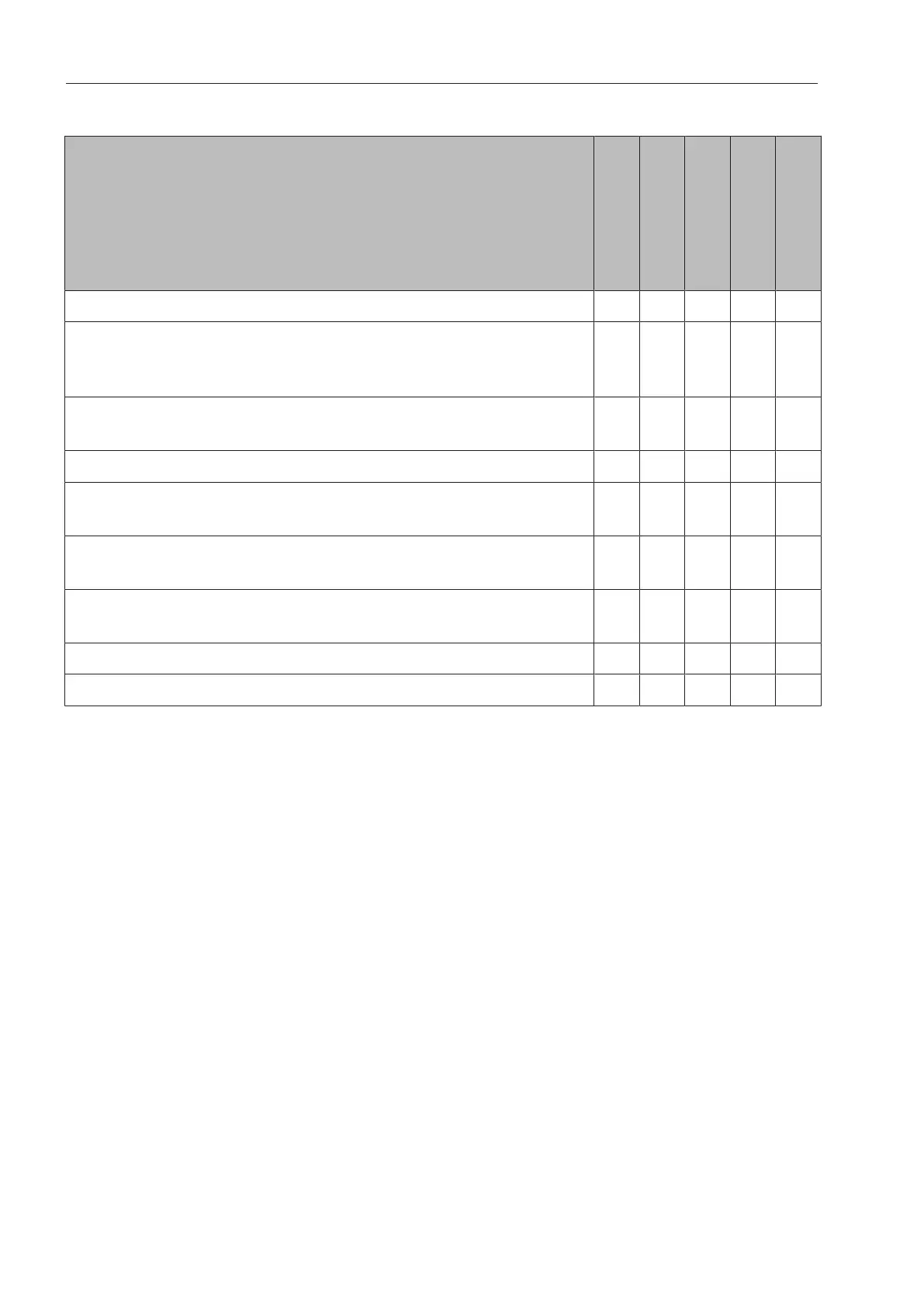
User rights in theMain menu
Action
Without message
Automatic
Operator
Technician
Administrator
Open and close the loading door
Open and close the unloading door after the end of a program
depending on the Authentification - End of programsetting in
the web interface
Select the electric or steam heating method (see “Machine
description”)
Change the display language
Close popups with messages depending on the type of mes-
sage, warning, or fault message
Change the screen view in the current program (see “Machine
description”)
Select and start program (see “Operation”) depending on the
program administration settings in the web interface
Cancel the program (see “Operation”)
Print out process documentation


 To Next Page