145
Alert information, Continued
Cancelling a
Major Alert
message -
procedure
A Major Alert message can be cancelled by:
• performing the maintenance action (i.e. replace consumable), or
• by using the Keypad. This cancels the display of the Major Alert
message for 24 hours.
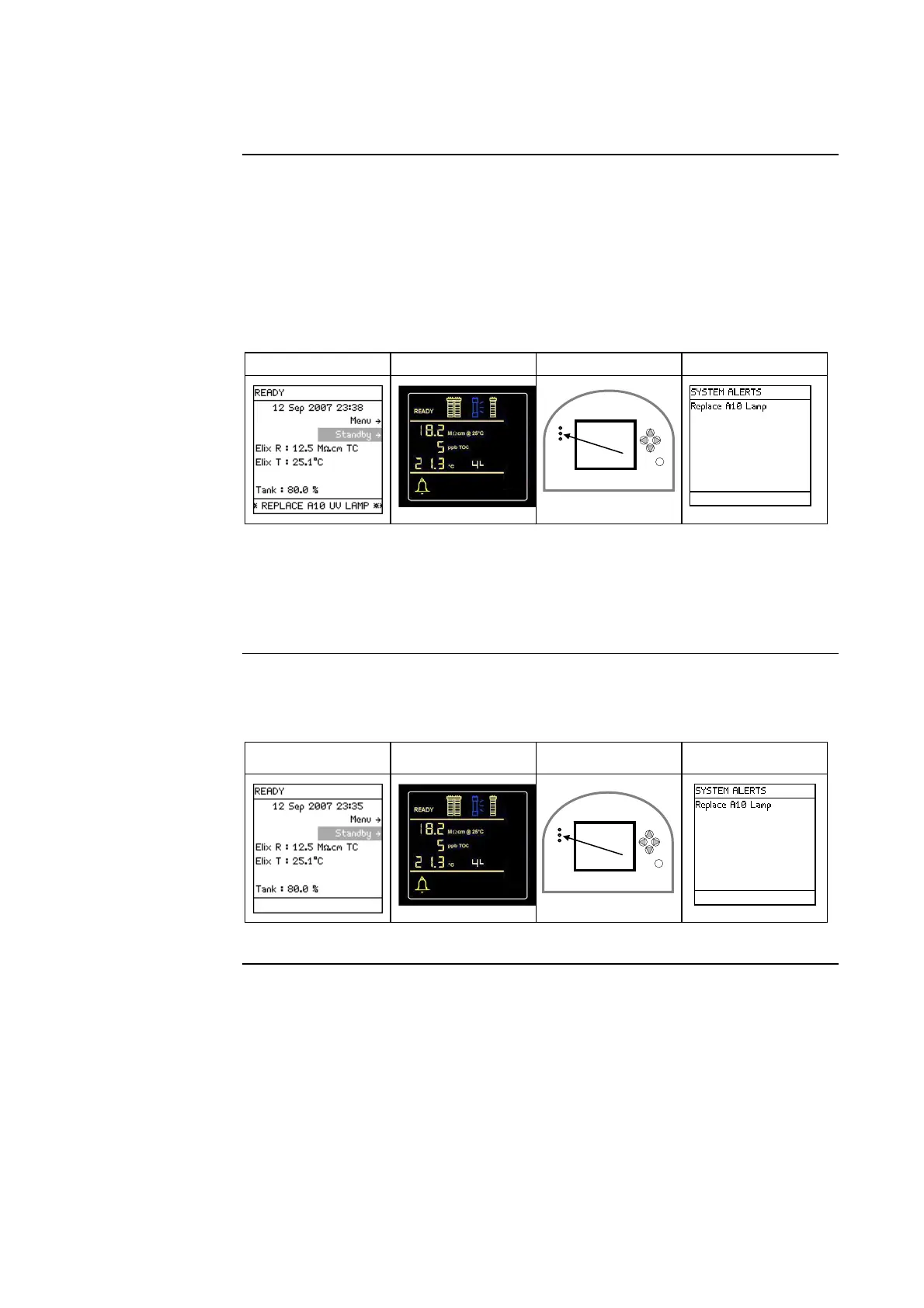
Example: Before cancelling, the Major Alert message is <Replace A10
Lamp>.
Main Display Q-POD Display LEDs Main Display
• A Major Alert message can be cancelled using the Keypad. This is done in
the same way that a Minor Alert message is cancelled.
• The display of the Major Alert is cancelled for 24 hours. It appears again
after 24 hours unless the maintenance action is performed.
Major Alert –
after cancelling
The Alert message has been cancelled but the cause of the message is still
active.
Main Display Q-POD Display LEDs Main Display
Continued on next page
ê
ê







 To Next Page