42
Installing the Progard Pack
Procedure
• Follow the steps below to install a new Progard Pack.
• After the Progard Pack is installed, the Milli-Q System starts an automatic
flush.
• During Milli-Q System installation procedure, the automatic flush is
cancelled.
• During the regular maintenance of the Milli-Q System, the automatic flush
is not cancelled.
Step Action Diagram
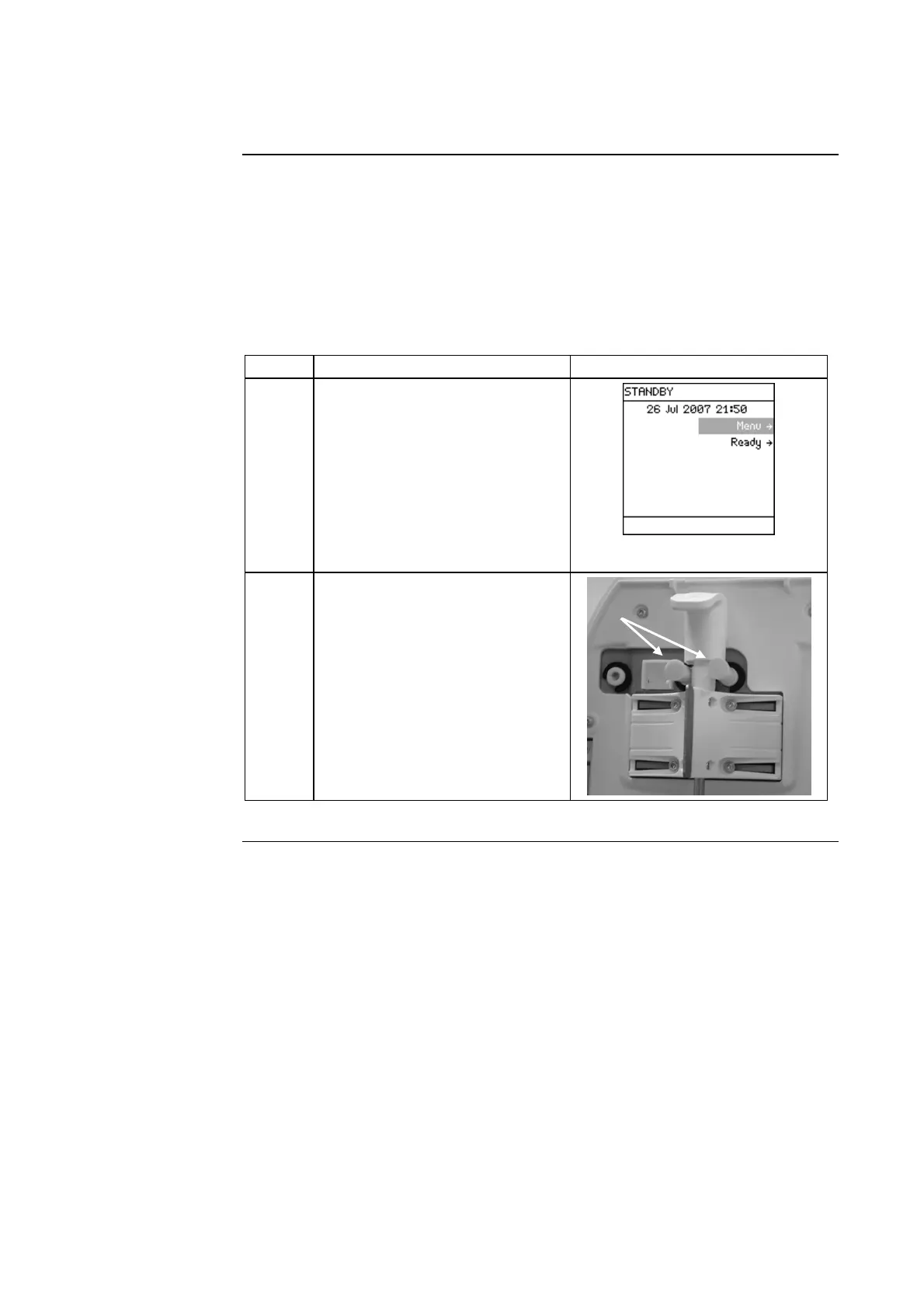
1 Start in STANDBY Mode.
NOTE:
The PROGARD PACK OUT
Alarm message is not shown at
this time. By following the
instructions earlier in this
manual, the alarm was
cancelled.
2
• Open the left door of the
Milli-Q System Cabinet.
• Remove the 2 protective caps
located on the ports inside.
Continued on next page







 To Next Page