43
Installing the Progard Pack, Continued
Procedure
(continued)
Step Action Diagram
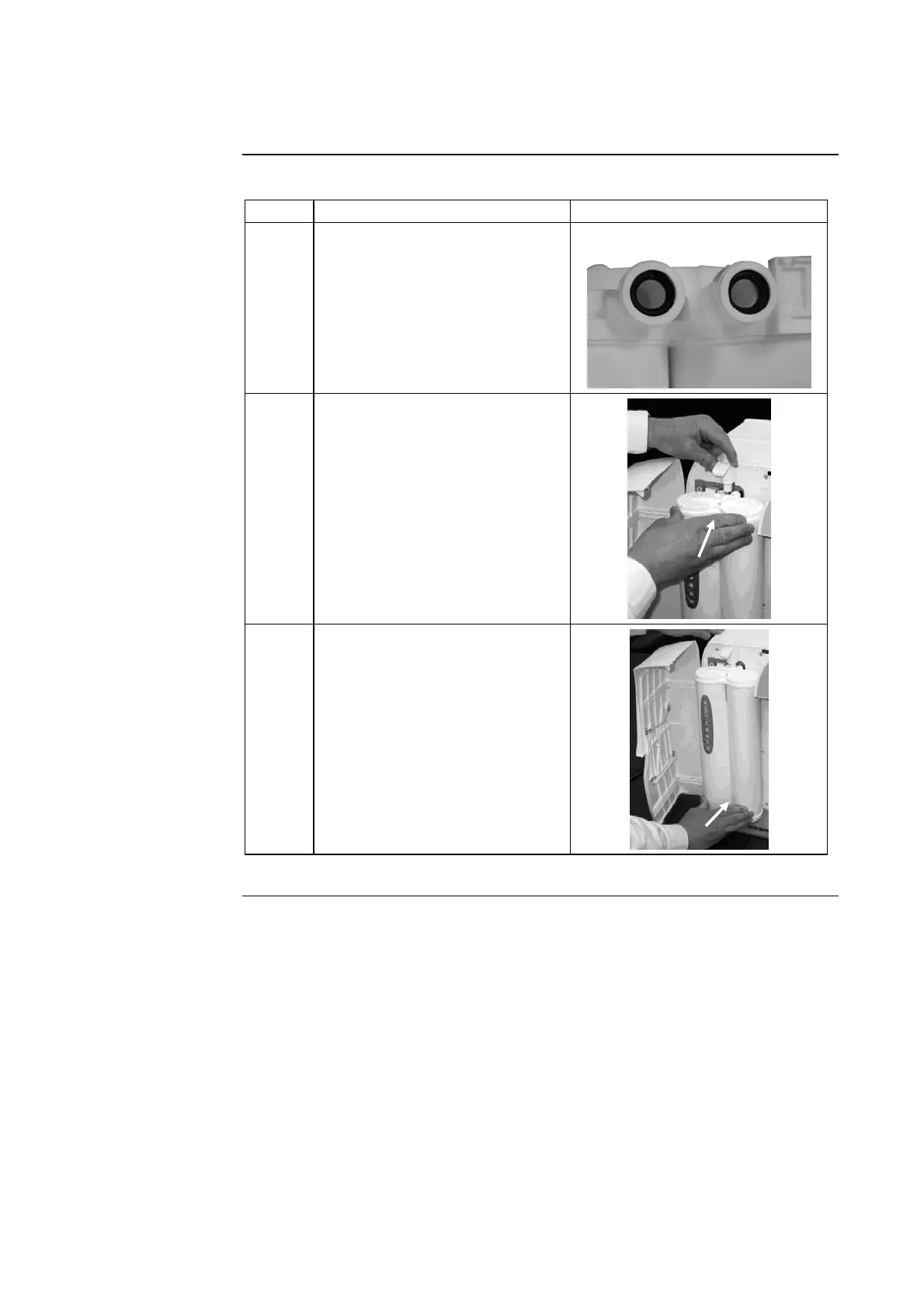
3
• Remove the covers on the 2
ports of the Progard Pack.
• Make sure the rubber O-rings
are firmly in place.
• Wet the O-rings with water.
4 Push the top of the Progard
Pack into the ports on the
Milli-Q System.
5 Push the bottom of the Progard
Pack inwards.
Continued on next page







 To Next Page