110
Replacing the Quantum Cartridge
When
The Quantum Cartridge should be replaced when one of the following Alert
or Alarm messages is displayed.
• Alert message = REPLACE QUANTUM CARTRIDGE
• Alarm message = MILLI-Q RES < SP, REPLACE QUANTUM
Removing
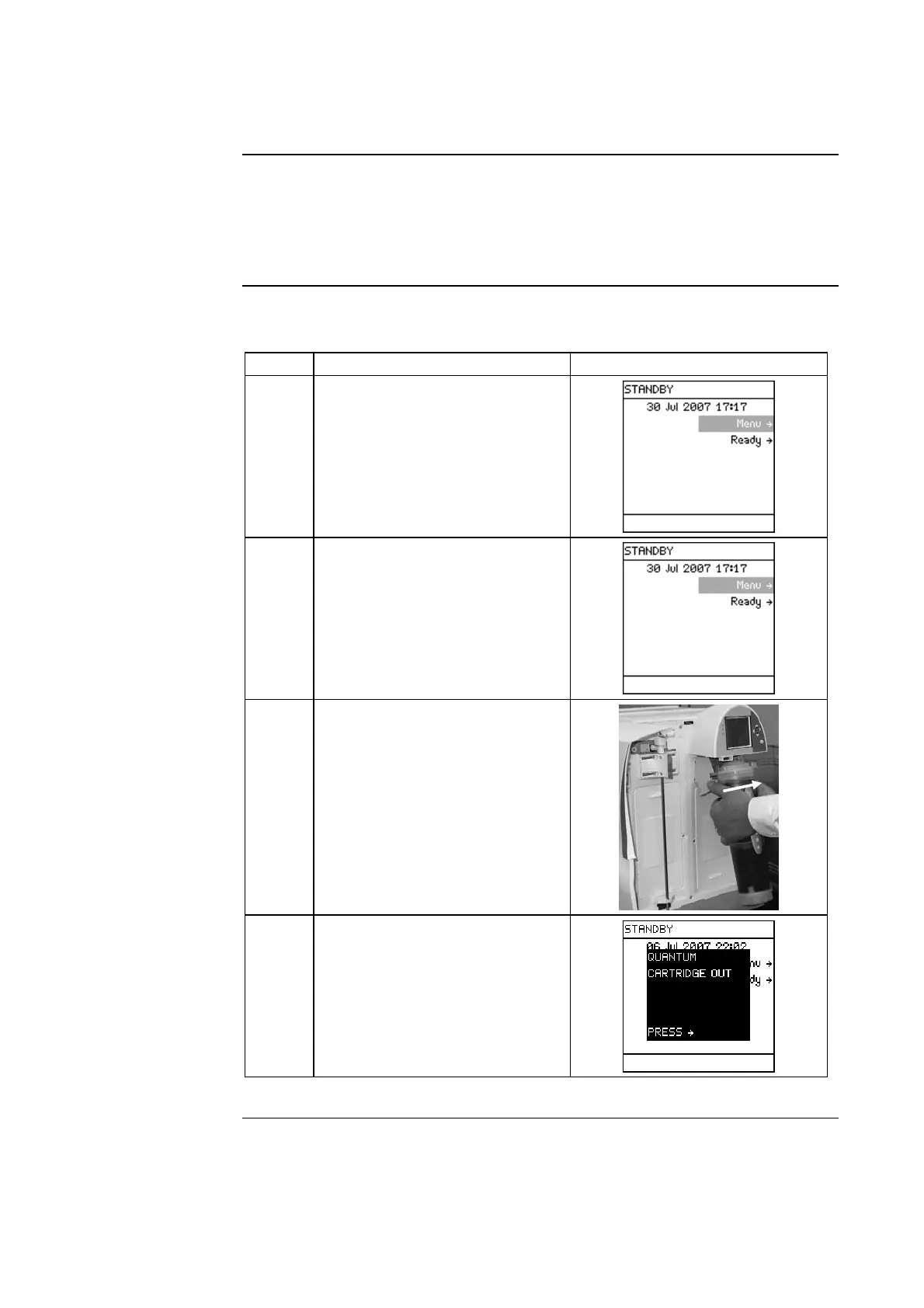
Follow the steps below to remove the used Quantum Cartridge.
Step Action Diagram
1 Place the Milli-Q System into
STANDBY Mode.
2
• Push the Q-POD Plunger
down once to depressurise the
Milli-Q System.
• After water stops being
dispensed, push down the
Q-POD Plunger again.
3
• Open the Milli-Q System
right door.
• Remove the used Quantum
Cartridge.
4 In a few moments, the system
indicates that the Quantum
Cartridge is removed.
Continued on next page







 To Next Page