109
Replacing the Progard Pack and Vent Filter, Continued
Flushing
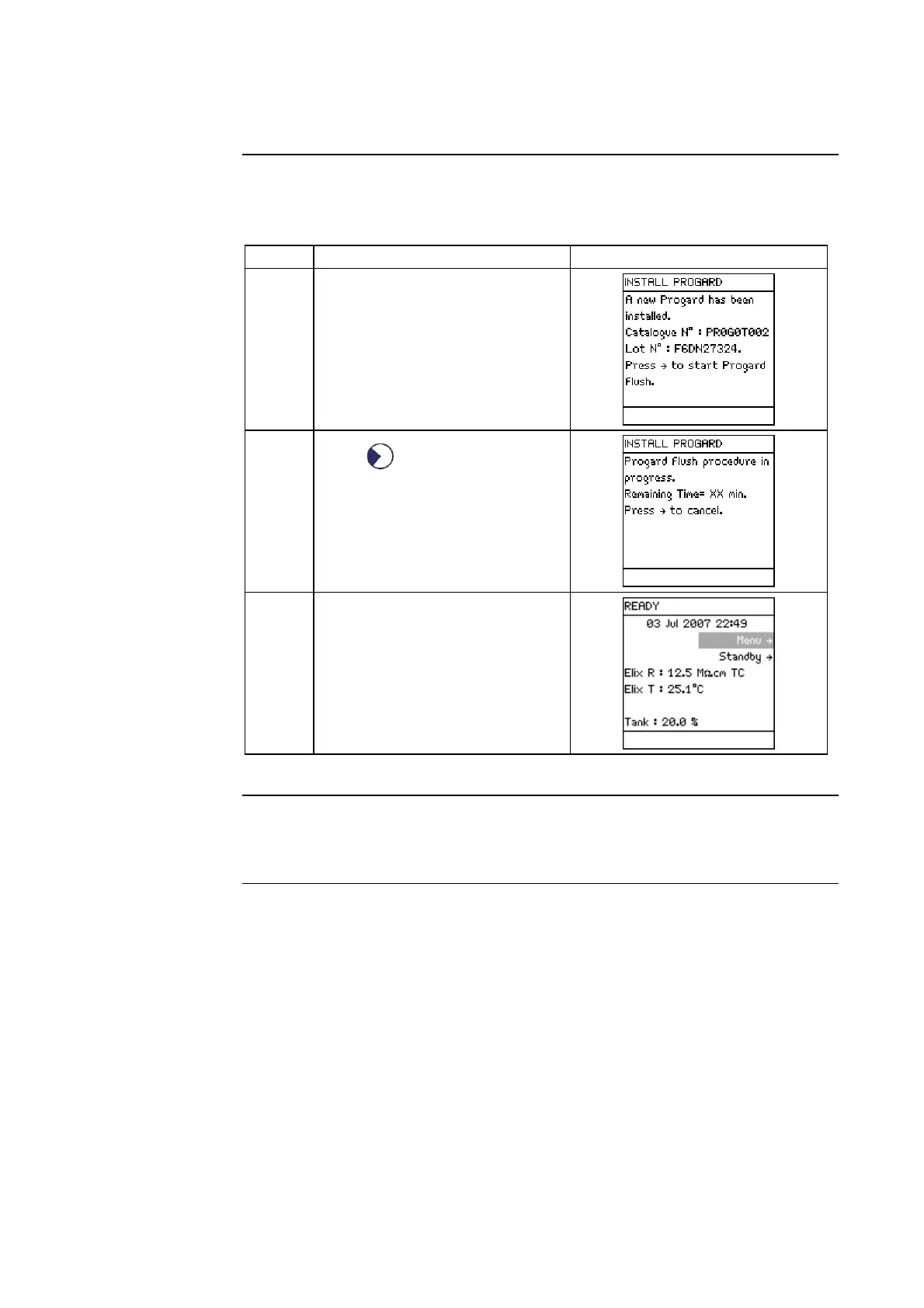
• The Progard Pack must be flushed out when it is newly installed.
• Follow the steps below.
Step Action Diagram
1 When a new Progard Pack is
installed, the LCD looks like
this.
2
Press .
3 When the Progard Pack flush
has finished, the Milli-Q
System goes to READY Mode.
Vent Filter
• The Tank Vent Filter is replaced when the Progard Pack is replaced.
• See the User Manual supplied with the Reservoir for more information.







 To Next Page