108
Replacing the Progard Pack and Vent Filter, Continued
Placing
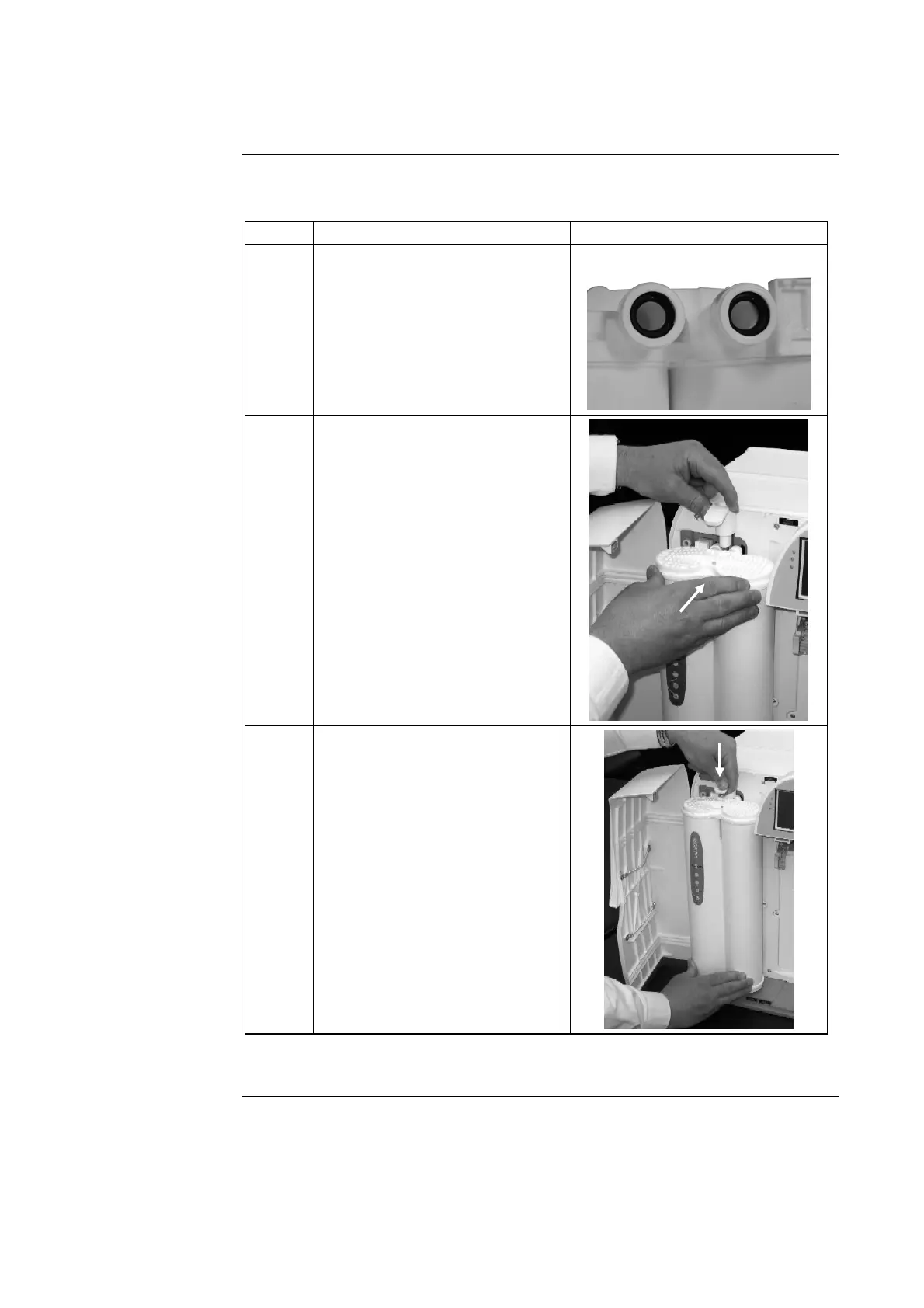
Follow the steps below to install a new Progard Pack.
Step Action Diagram
1
• Remove the covers on the 2
ports of the Progard Pack.
• Look inside the ports.
• Make sure the rubber O-rings
are firmly in place.
• Wet the O-rings with water.
2
• Push the top of the Progard
Pack into the ports on the
Milli-Q System.
• Push on the bottom of the
Progard Pack.
3
• Push the Pack Locking
Handle down.
• Close the left door.
Go to the next set of steps to flush the Progard Pack.
Continued on next page







 To Next Page