96
Viewing Operation, Continued
System
Operation
(continued)
Step Action Diagram
4
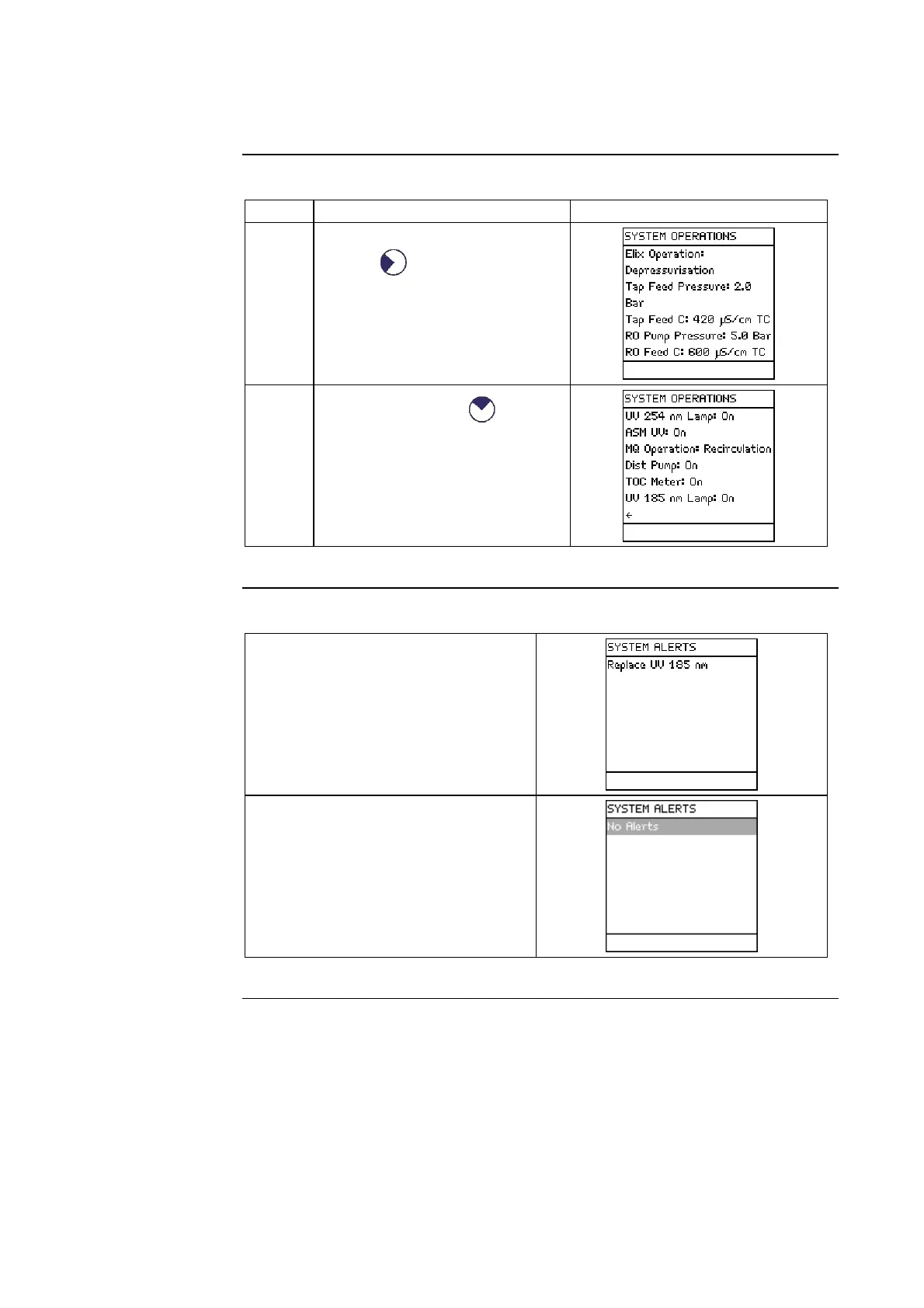
• Select <System Operation>.
• Press .
5
To see more, press .
System Alerts
An example Alert is shown here.
This is an Alert that is currently
being displayed on the bottom of the
Main Display in READY Mode or
in STANDBY Mode.
When the timer for the UV 185 nm
Lamp is reset, then this Alert is no
longer shown on the SYSTEM
ALERTS LCD.
Continued on next page







 To Next Page