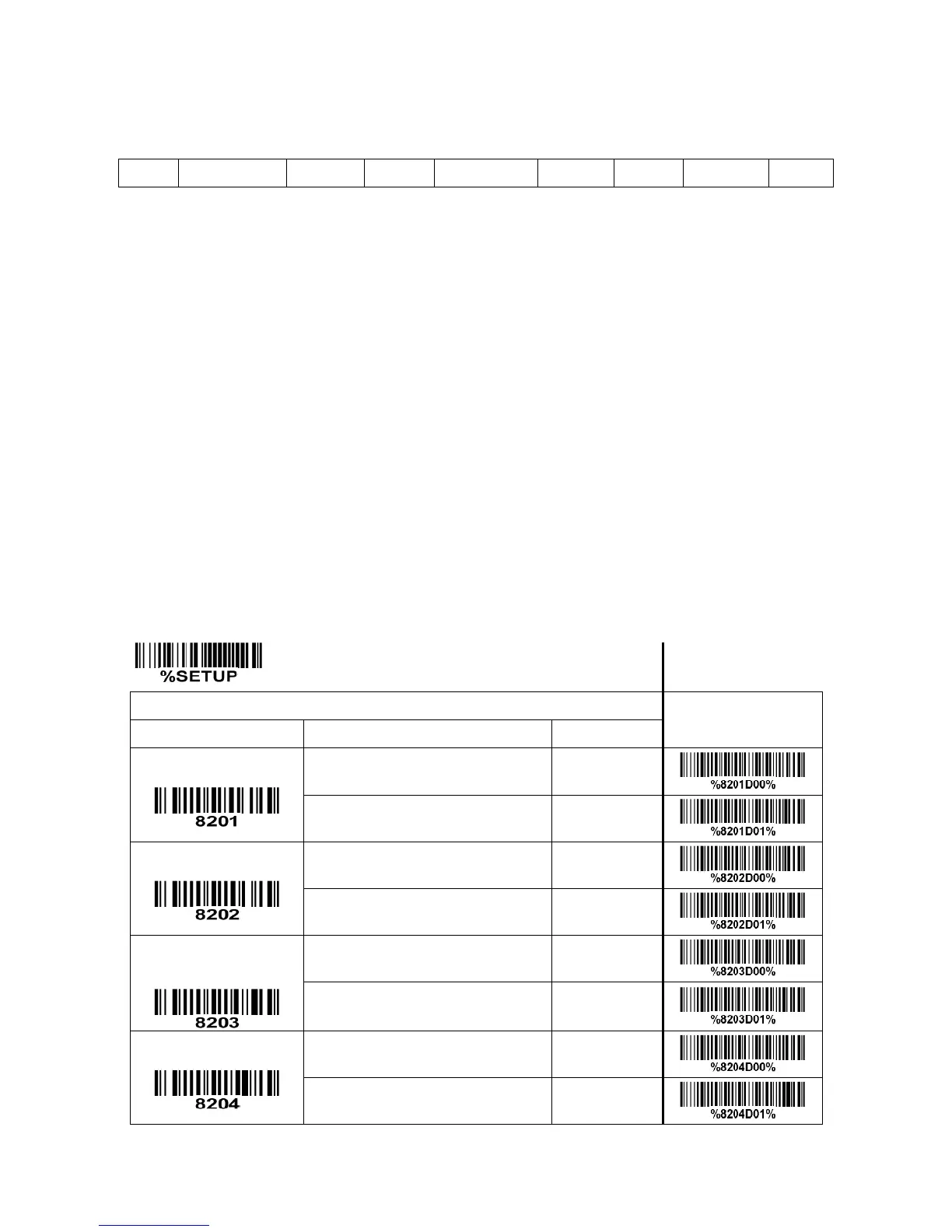
Prefix transmission: By setting Enable, prefix will be appended before the data transmitted.
Suffix transmission: By setting Enable, suffix will be appended after the data is transmitted.
Code name transmission: By setting Enable, code name will be transmitted before code data.
Preamble transmission: By setting Enable, preamble will be appended before the data transmitted.
Postamble transmission: By setting Enable, postamble will be appended after the data is transmitted.
Code ID transmission: Code ID can be transmitted in the format of either Proprietary ID or AIM ID. Refer
to the chapter of
“1-2 Default settings for various types of barcode”
.
Code length transmission: The length of code data string can be transmitted before the code data when
Enable is selected. The length is represented by a number with two digits.
Case conversion: The characters within code data or the whole output string can be set in either upper
case or lower case.
FN1 substitution transmission: The scanner supports a FN1 substitution feature for keyboard wedge,
USB and RS-232 interface. The replacement string of FN1 can be chosen by user (see chapter of
“4-28
G1-G4 & FN1 substitution string setting”
).


 To Next Page