14 / 99 MINDEO Electronics Technology Ltd.
6.1.1.2 Wi-Fi Preferences
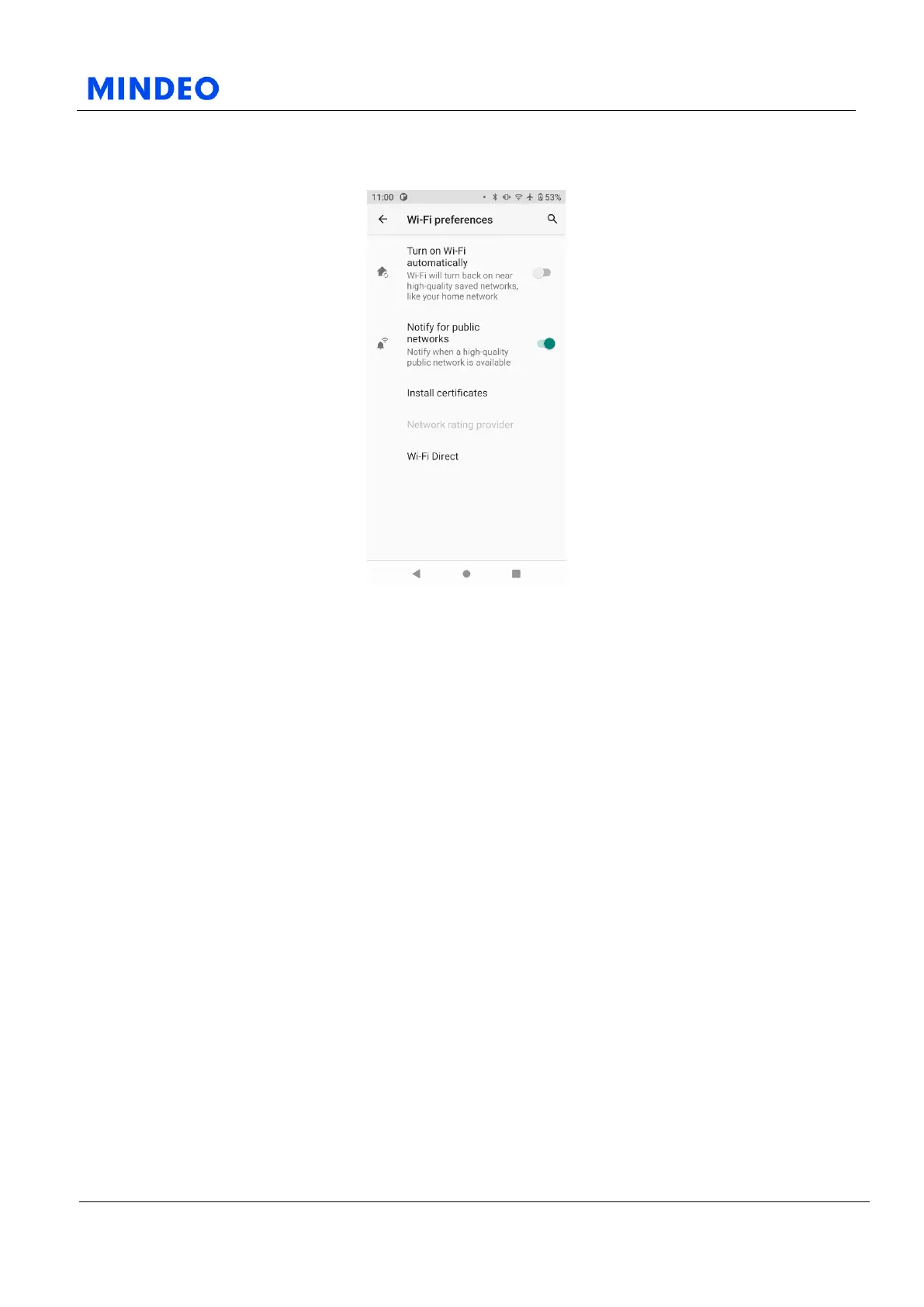
6.1.1.2.1.1 Wi-Fi Preferences Diagram
6.1.1.2.1 Turn on Wi-Fi Automatically
Wi-Fi will turn back on near high-quality saved networks, like your home network.
6.1.1.2.2 Notify for Public Networks
Notify when a high-quality public network is available.
6.1.1.2.3 Install Certificates
Installing the WLAN certificate is generally not required. If your working environment requires the use
of digital certificates as the identity credentials for Wi-Fi devices and wireless clients, you can install the
digital certificates issued by your network administrator here.
6.1.1.2.4 Wi-Fi Direct
When you enable Wi-Fi, you can use the Wi-Fi Direct option to connect devices directly to each other
without going through an intervening wireless access point.



 To Next Page