96 / 99 MINDEO Electronics Technology Ltd.
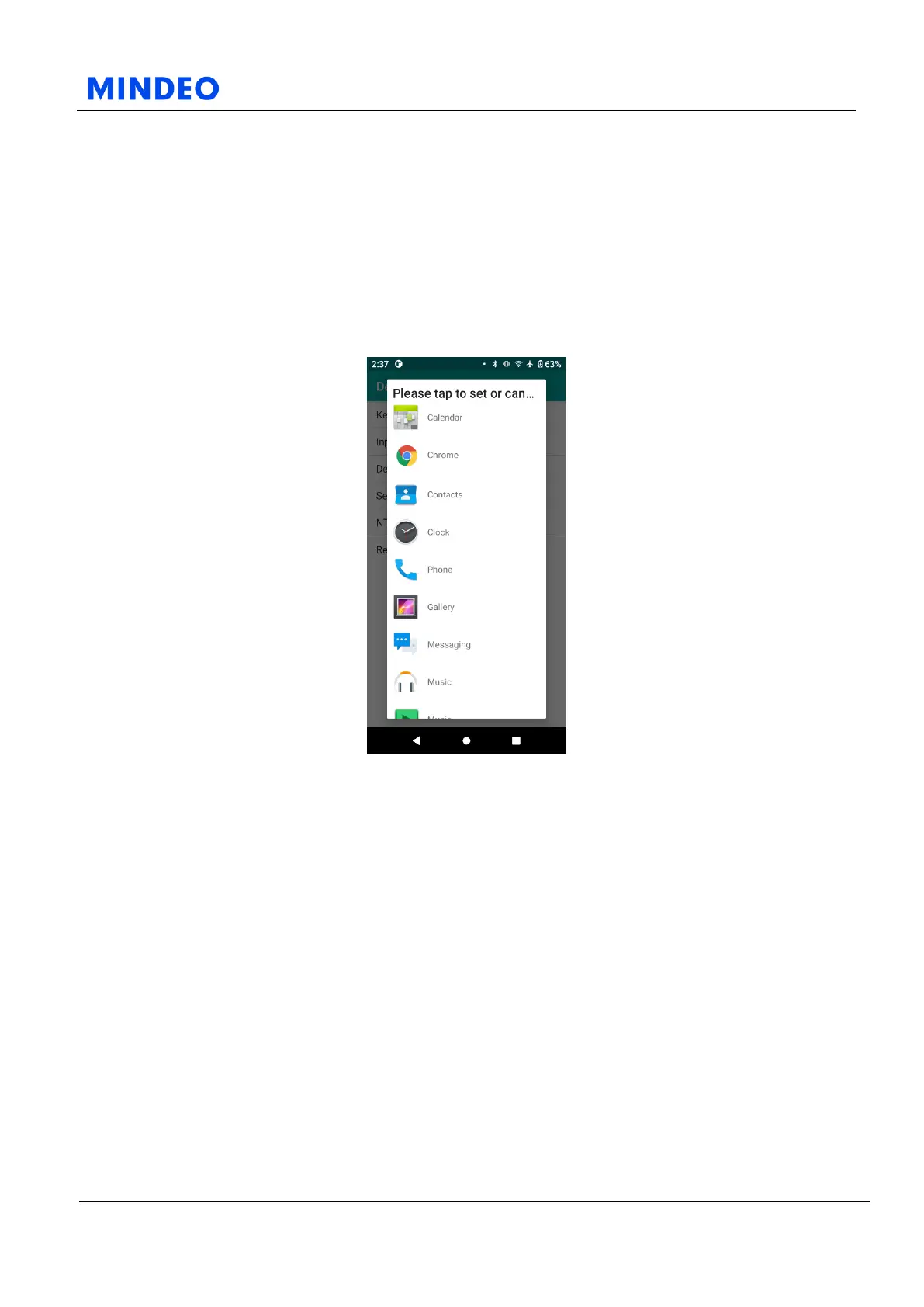
7.4.3.1 Default Launcher Diagram
On this page, you can modify the home screen app in the default application page. If you need to use the
desktop control function in your working environment, you can set up your desktop application here.
You can also set the default desktop in the location mentioned in 6.3.5.1.
If you need to restore the default home screen app of your Android device, you can set the default
launcher as Quickstep here.
7.4.4 Self-Running Applications
7.4.4.1 Self-Running Applications Diagram
On this page, you can set the self-running applications. Multiple self-running applications can be set.
After the device is turned on, the self-running applications you set will be launched in sequence. If you
need to cancel the automatic startup of an application, you only need to select the application again in
this page.



 To Next Page