29 / 99 MINDEO Electronics Technology Ltd.
6.3.2.1 Conversations Diagram
Conversations that you mark as priority conversations or modified changes will appear on this page. To
change conversation settings: Swipe down from the top of the screen to open notification panel, then
long-press the conversation you want to change.
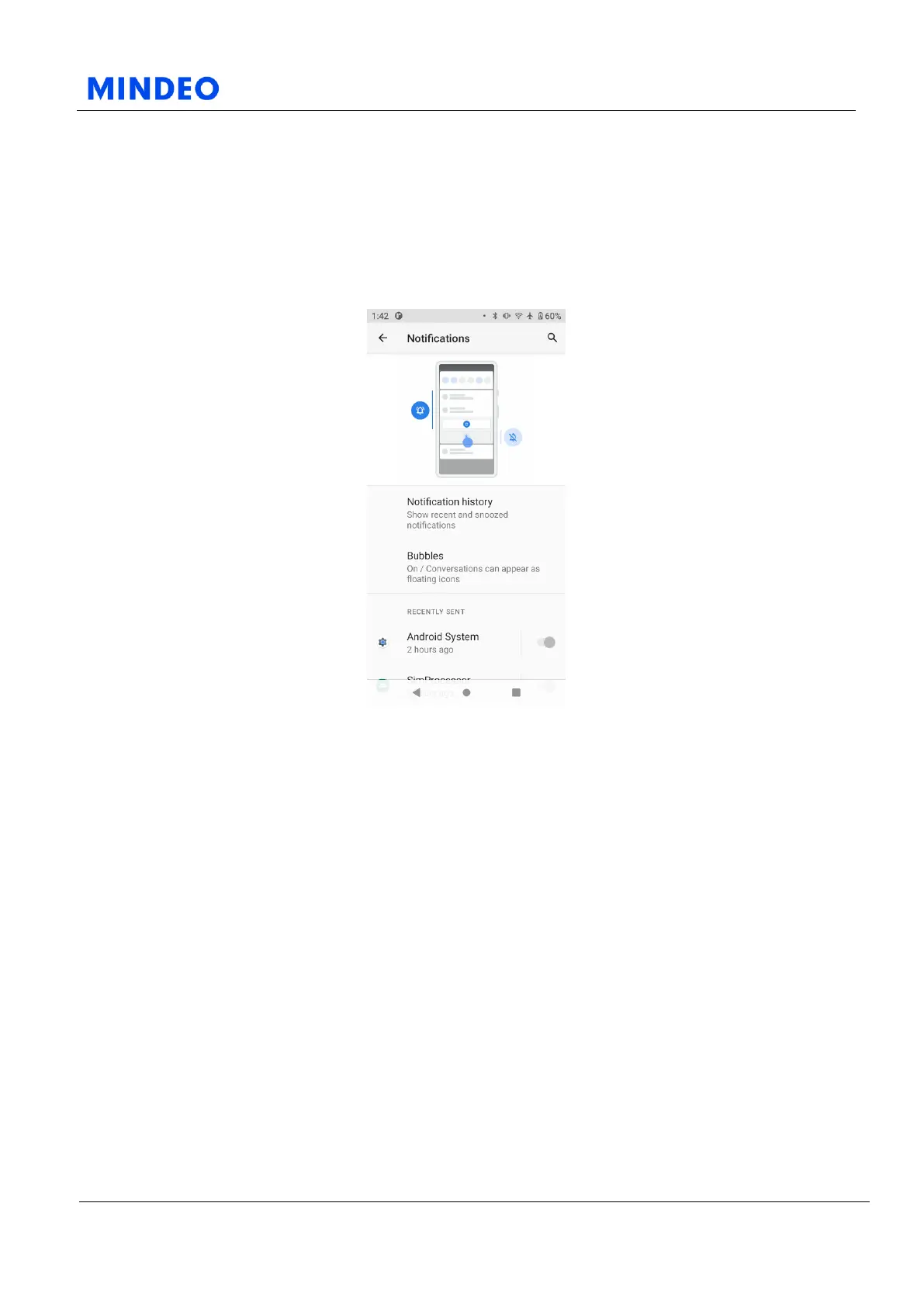
6.3.3 Notifications
6.3.3.1 Notifications Diagram
This page allows you to set which application can send system notifications. You can also choose which
notifications will appear on the lock screen. Detailed notification related settings, such as whether to
display the notification dot and whether to flash the indicator light, can be set in advanced settings.



 To Next Page