82 / 99 MINDEO Electronics Technology Ltd.
7 Enterprise Settings
7.1 Scanner Settings
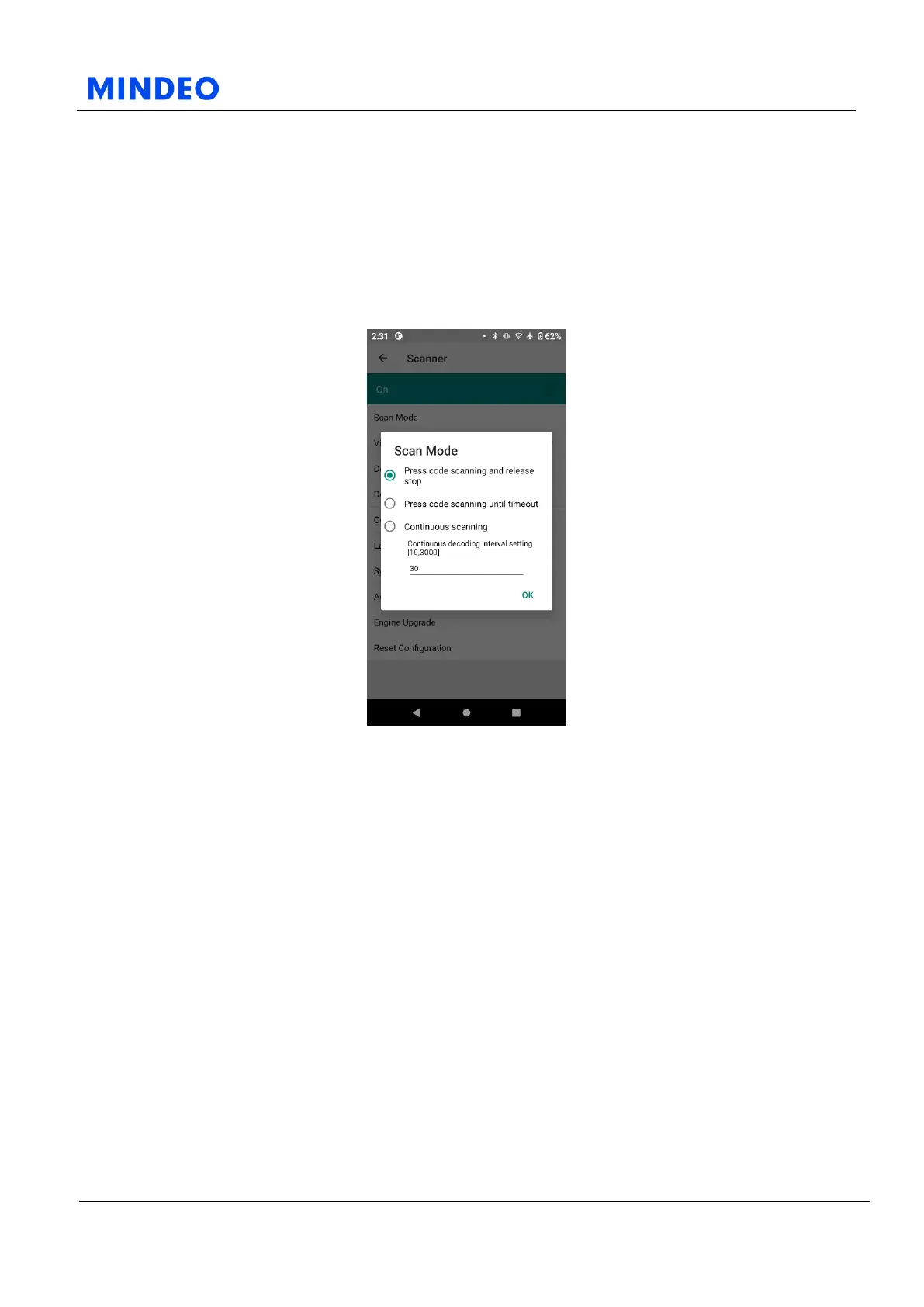
7.1.1 Scan Mode
7.1.1.1 Scan Mode Diagram
You can choose from the following three scanning modes:
1) If you choose this option, the scanning will start when you press the scan button, and the scanning will
stop when you release the scan button.
2) If you choose this option, the scanning will start when you press the scan button, and it will
automatically stop when it is timeout.
3) If you choose this option, the scanning will start when you press the scan button, and it will stop when
you press the scan button again.
If you set the scanning mode to continuous decoding, you can set the continuous scanning interval in the
text box below, ranging from 10 milliseconds to 3000 milliseconds.



 To Next Page