89 / 99 MINDEO Electronics Technology Ltd.
7.1.8 Advanced Settings
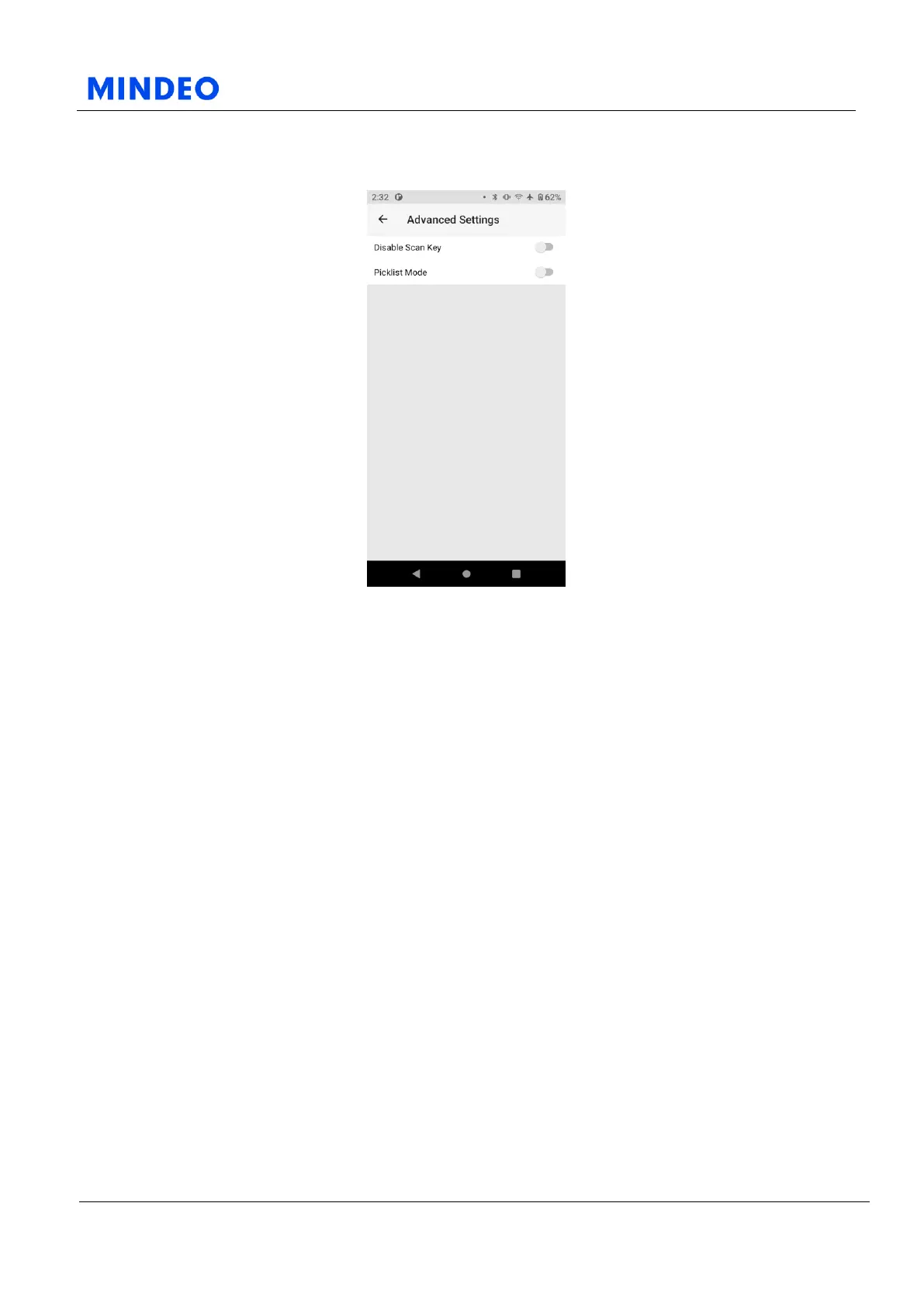
7.1.8.1 Advanced Settings Diagram
On this page, you can enable or disable scan button and laser aiming mode.
After the laser aiming is turned on, only the barcodes scanned by the laser aiming will be decoded.
1) When you enable this option, the Scan Key of device will be disabled.
2) When you enable this option, the Scanner will be changed to Picklist Mode, which allows you to scan
particular barcode surrounded by other barcodes.



 To Next Page