35 / 99 MINDEO Electronics Technology Ltd.
You can turn on Battery Saver on this page, which will turn on the dark theme, turn off or limit
background activities, and turn off some visual effects and other features, such as voice assistants, to save
power consumption.
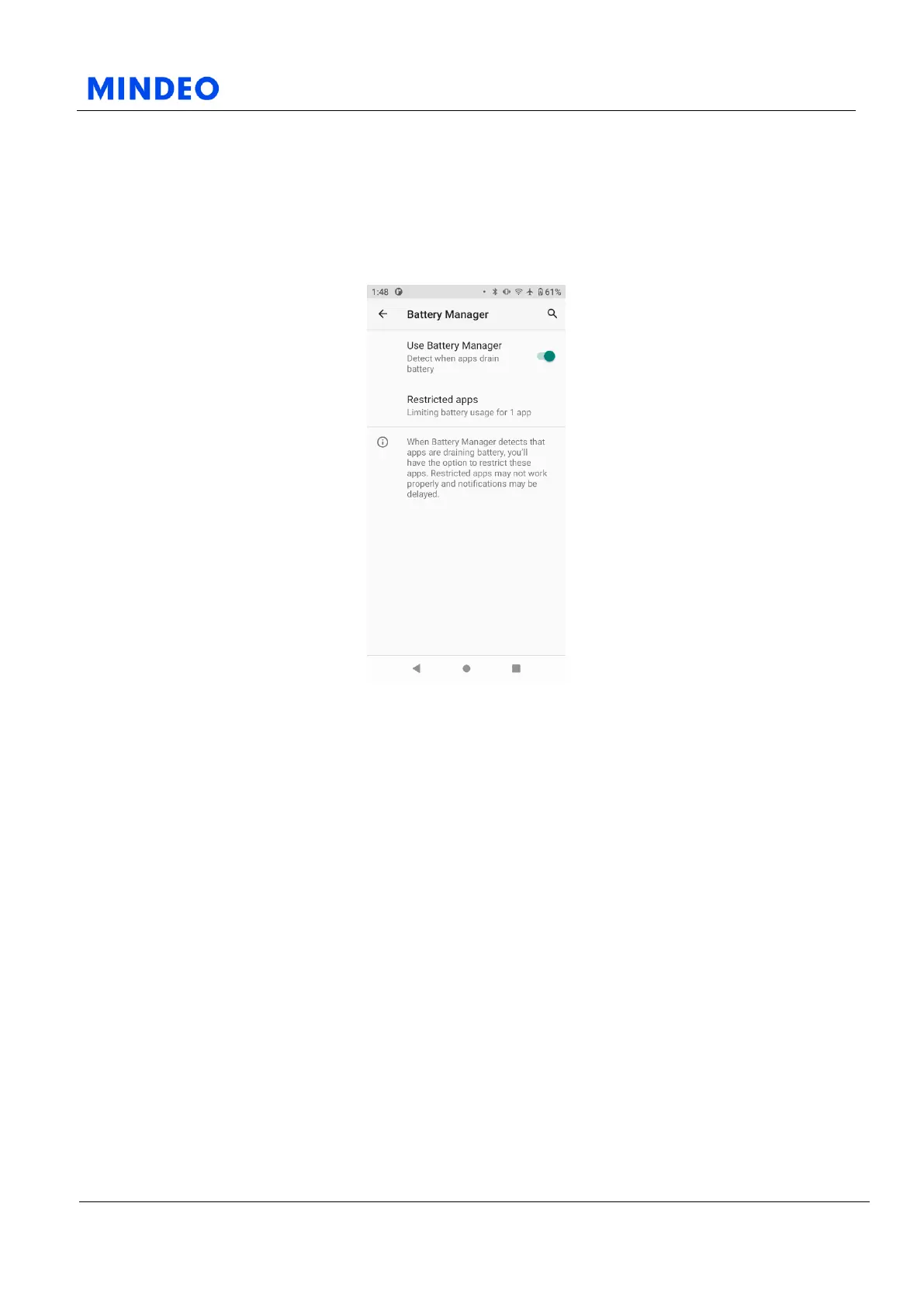
6.4.2 Battery Manager
6.4.2.1 Battery Manager Diagram
Turning on Battery management allows the system to detect when apps are using battery. You can restrict
some features of power-hungry apps based on the results. Restricted apps may not function properly and
notifications may be delayed.



 To Next Page