9 / 99 MINDEO Electronics Technology Ltd.
Pull the card tray out of the device card slot and insert the Nano SIM or memory card in the correct
orientation.
Notice:
1) SIM Card 1&2 are both Nano SIM Card;
2) Preferred Network is SIM Card 1.
4.2 Install Battery
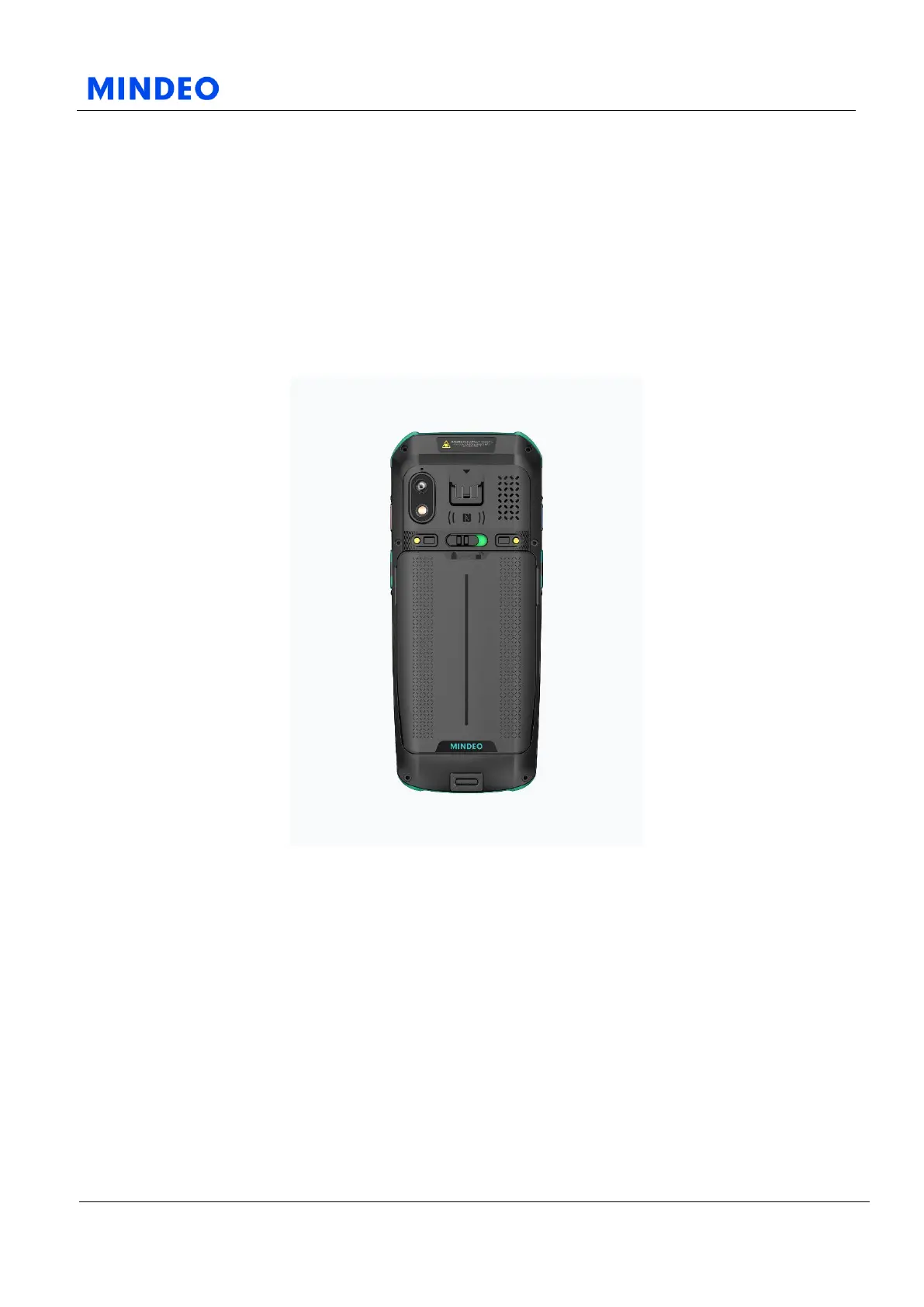
4.2.1 Battery Diagram
The battery adopts an integrated design and it supports one-button ejection function. Flick the button
above battery to remove battery. Put battery in the battery compartment and gently press the battery to
complete the installation.
4.3 Charge Method
Charging the device via USB cable: Connect the device to an electrical outlet using USB cable and power
adapter or connect the device to a PC using USB cable.
Device charging indicator shows red light indicating the battery is charging. It shows green light
indicating the battery is fully charged.
Notice: If the device is idle for long periods of time, please charge the device every two months to ensure
that stand-by power source is not over discharged.



 To Next Page