66 / 99 MINDEO Electronics Technology Ltd.
6.12.3.1 Display Diagram
On this page, you can set the font size and display size displayed by the device, as well as turn on or off
the dark theme, zoom function, color correction, color inversion, large mouse pointer, and whether to
remove animation or not.
Some options can also be set in the location mentioned in 6.5 Display.
6.12.4 Interaction Controls
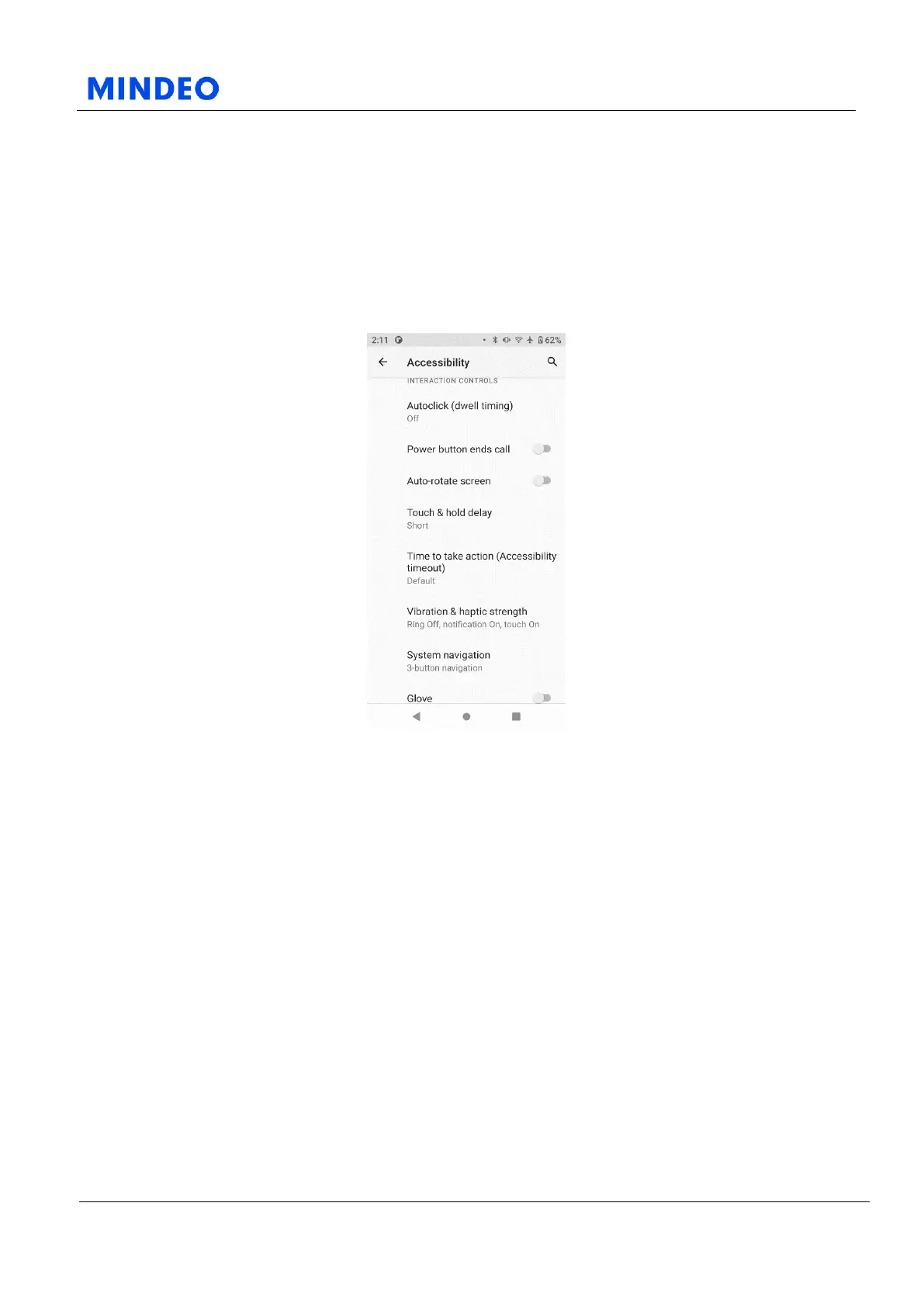
6.12.4.1.1 Interaction Controls Diagram
On this page, you can set up some interactive project functions. Such as the dwell time of automatic
clicks, whether to press the power button to end a call, whether to automatically rotate the screen, the
delay time of touch and hold functions, the duration of waiting for operations, and the intensity of
vibration and touch.



 To Next Page