41 / 99 MINDEO Electronics Technology Ltd.
6.5.5.1 Wallpaper Diagram
On this page you can set live wallpaper or set wallpaper from photo.
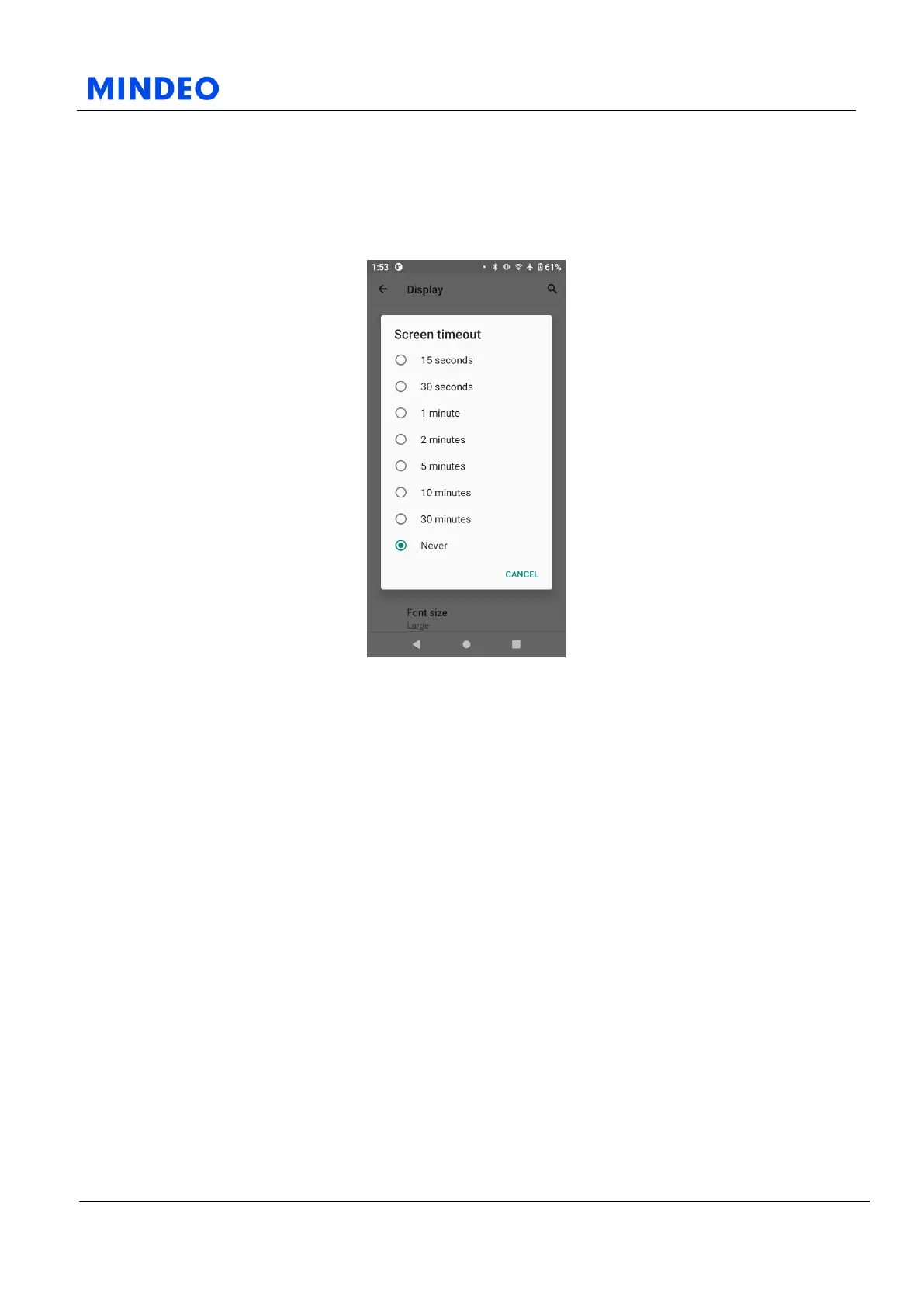
6.5.6 Screen Timeout
6.5.6.1 Screen Timeout Diagram
By changing this function, you can set the time for the device's screen to automatically turn off.
If you set the screen timeout to 1 minute, the screen will automatically turn off after 1 minute of inactivity,
and the device will automatically sleep after a period of time.
Please note that some apps will prevent the screen from automatically turning off.



 To Next Page