95 / 99 MINDEO Electronics Technology Ltd.
7.4.2 Input Method Control
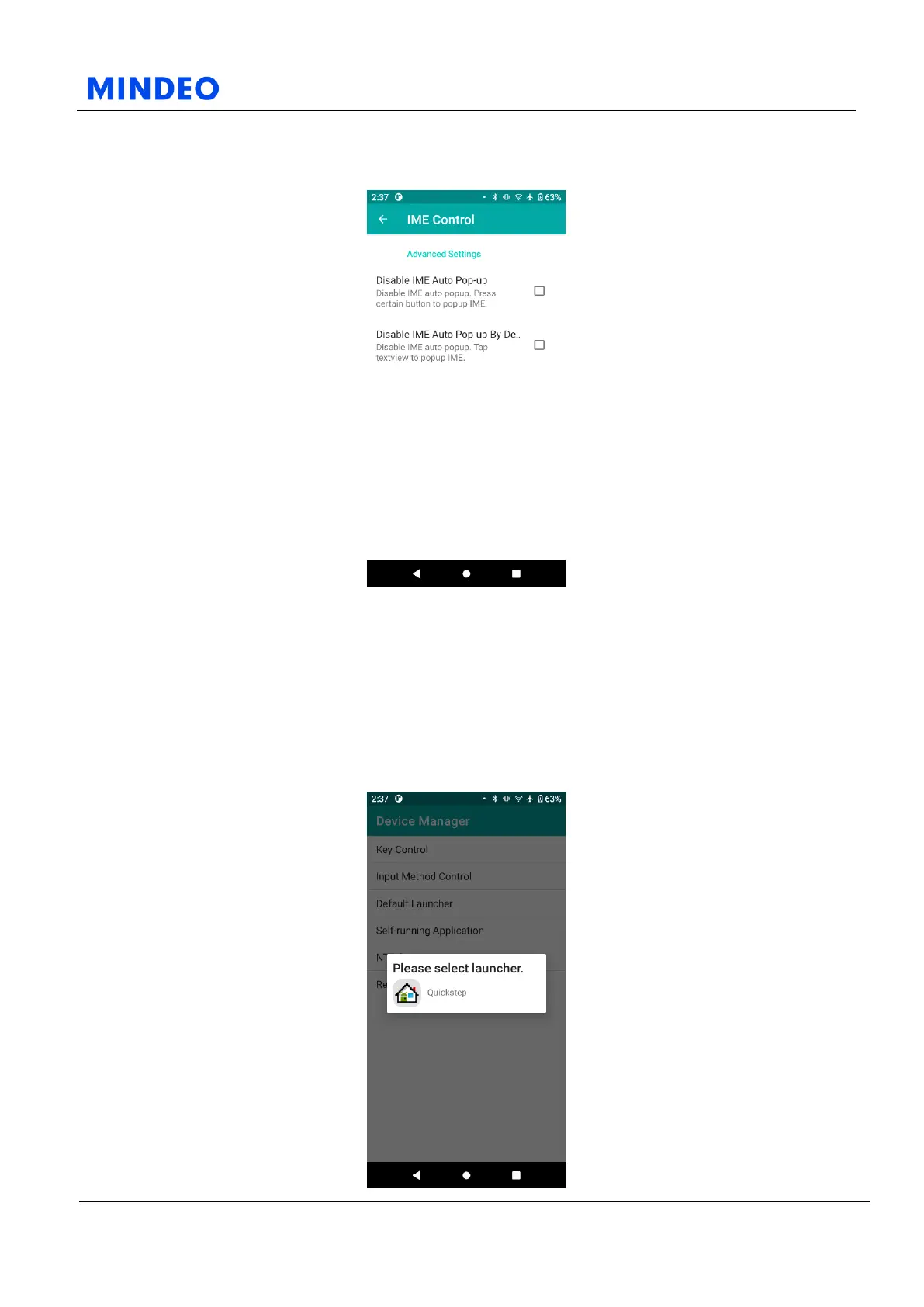
7.4.2.1 Input Method Control Diagram
On this page, you can control the device's input method popup:
1) Disable IME auto popup. Tap text box to popup IME.
2) Disable IME auto popup. Press certain button to popup IME.
7.4.3 Default Launcher



 To Next Page