5-34 Image Optimization
View Direction
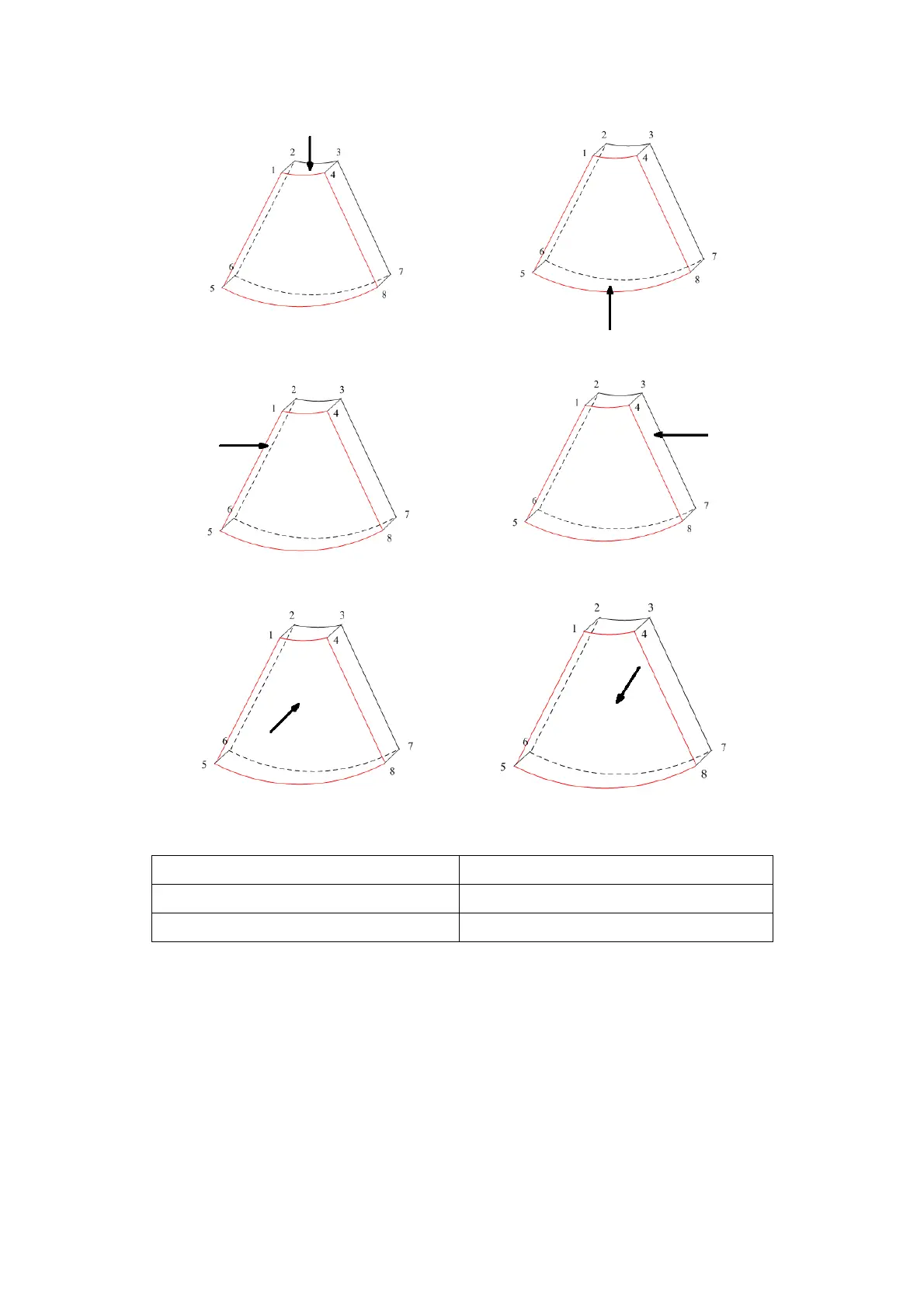
Wire cage
When you view a Smart 3D image on the display monitor, it’s sometimes difficult to
recognize the orientation. To help, the system displays a three-dimensional drawing to
illustrate the orientation. Of which, the blue plane presents the image acquisition where
started, while the red plane presents the image acquisition where ended, besides, a
yellow plane in the wire cage presents the position of the sectional plane. See the
graphic below:



 To Next Page