9-10 Patient Data Management
(2) Click [OK] to confirm.
You can select paper size for the report in the path: [Setup] → [Print Preset]
Printing report
Use a connected graph/text printer to print a report. Please refer to “11.6 Print Preset”
for details about default report printer setting.
For details on report relevant operations, please refer to [Advanced Volume].
9.4 Patient Data Management (iStation)
The patient data include basic patient information, exam information, image files and reports.
You can search, view, backup, send, restore or delete patient data in iStation.
To Enter iStation
Press <iStation> key on the control panel; or
Click [iStation] in the Patient Info screen; or
Click [iStation] in the Review screen.
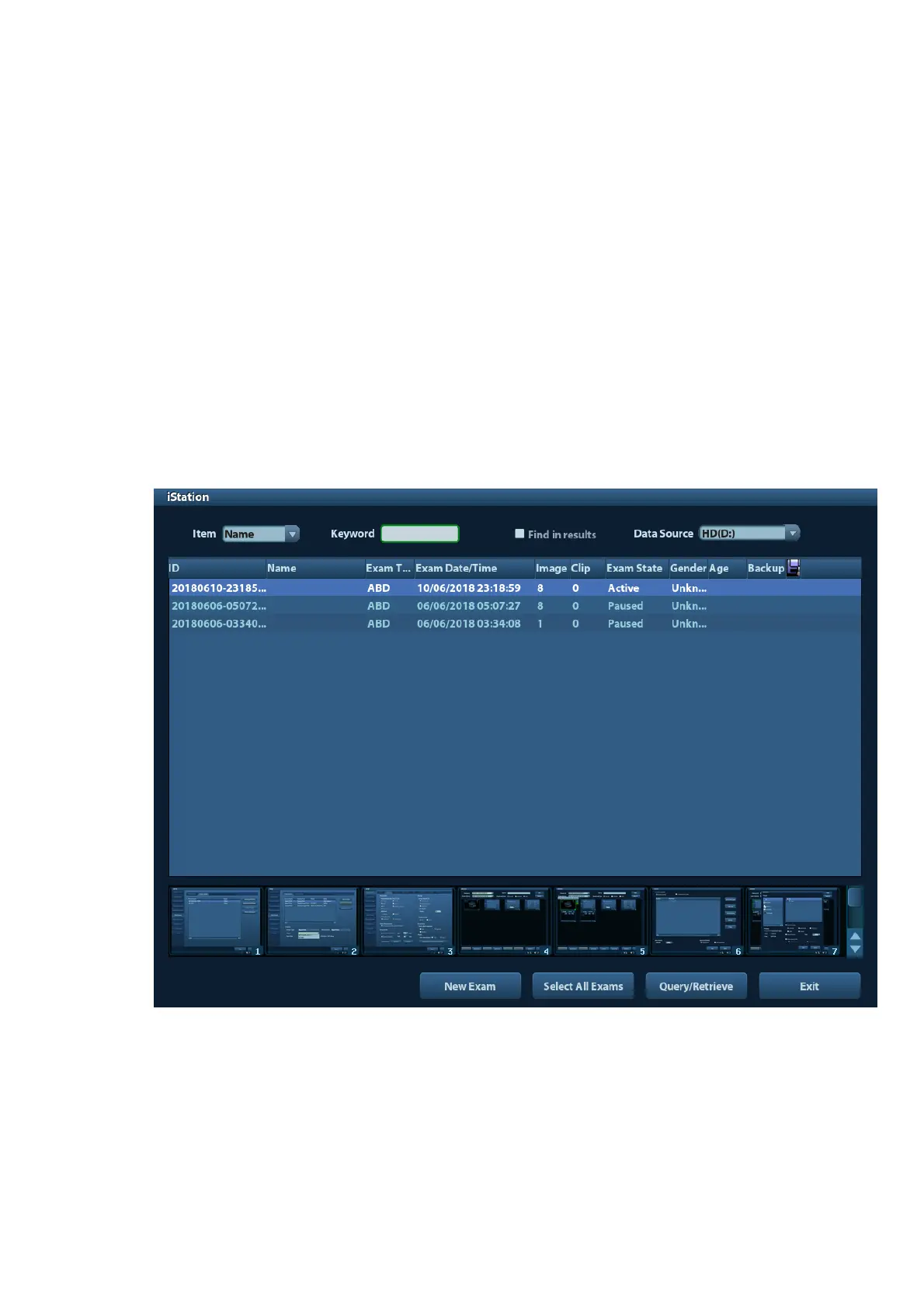
The iStation screen is shown as follows:
Viewing Patient Information
Data Source
Select the data source of patient data, the system patient database is default.
Patient List
Display patient information, exam mode, number of images and cines, exam state,
backed up or not.



 To Next Page