9-14 Patient Data Management
The symbol indicates that the input CD/DVD is damaged or with data of wrong
format.
During the backup process, if a CD/DVD is forcibly taken out or
you perform other operations, the backup process will fail or
the system may malfunction.
Directly removing a DVD-RW/DVD+RW drive may result in the damage of
drive and/or the system, please refer to “3.6 Connecting/ Removing a USB
Storage Device” for disconnection.)
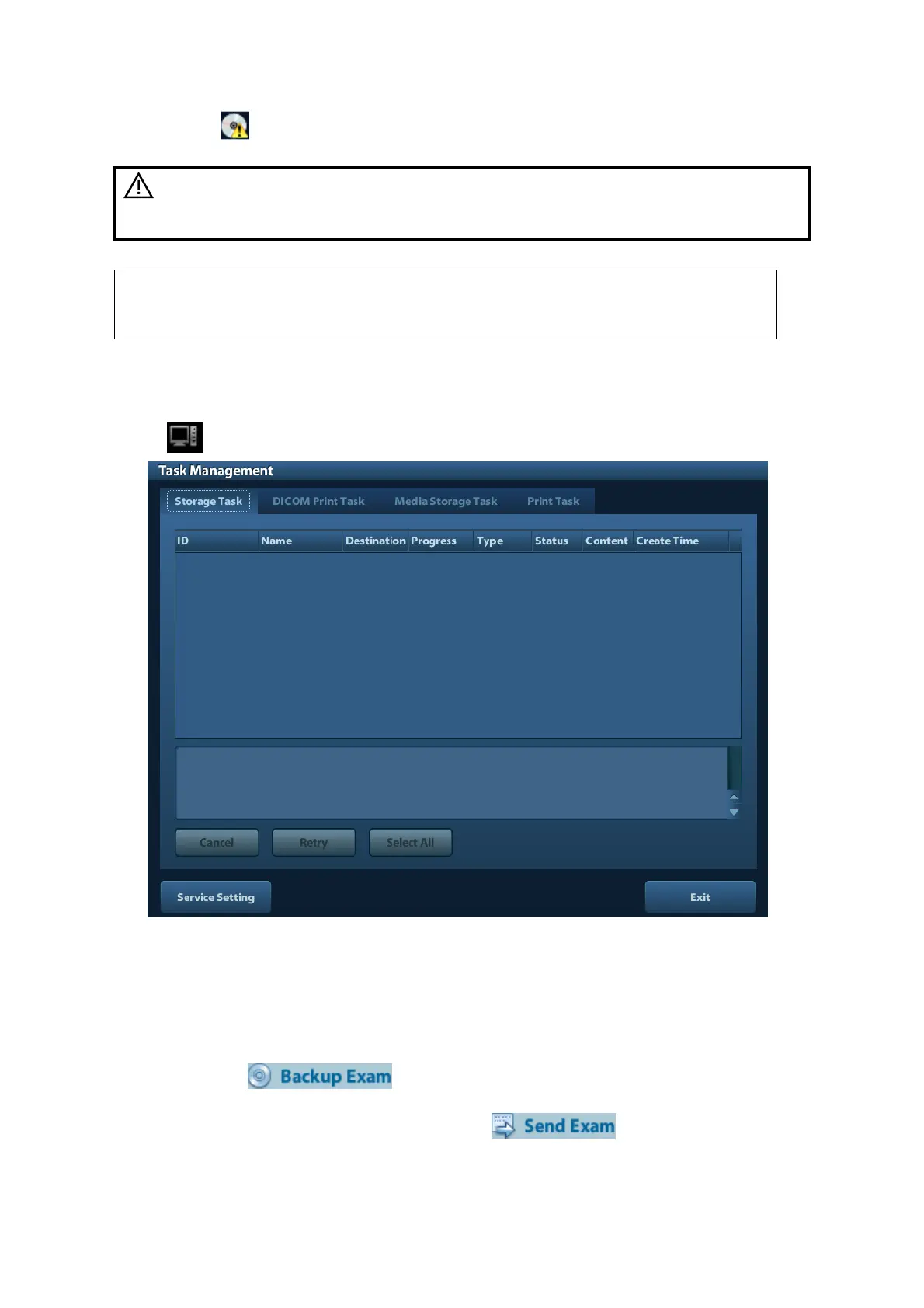
9.6 Patient Task Manager
Click at the lower right corner of the screen to pop up the following dialogue box:
Including:
Storage Task: displays the DICOM storage task.
DICOM Print Task: displays the DICOM print task.
Media Storage Task:
DICOM media storage task (including disc and USB devices)
Backup task (system-relevant format): select the exam to be backed up in iStation
and click .
Send to external devices (including disc and USB devices): select exam data or
images in iStation or Review screen, click or [Send To].
iStorage task.



 To Next Page