System Preparation 3-11
Displays the acoustic power. Including the acoustic power, MI (Mechanical Index)
and TI (Thermal Index).
Freeze icon
The freeze icon means the image is frozen.
Patient Information
Displays patient name, ID, gender and age etc. Enter the patient information
through the "Patient Info" screen. Or, import the saved patient data from iStation or
the DICOM Worklist server.
Probe model
Display the currently-used probe model, or the default model.
Exam Mode
Displays the currently used exam type, e.g. Abdomen, is displayed.
Operator
Displays the operator’s name on the screen. This information is entered through the
[Patient Info] screen.
Accession#
The accession # indicates exam number used in hospital information system. It can
be imported via DICOM or input manually.
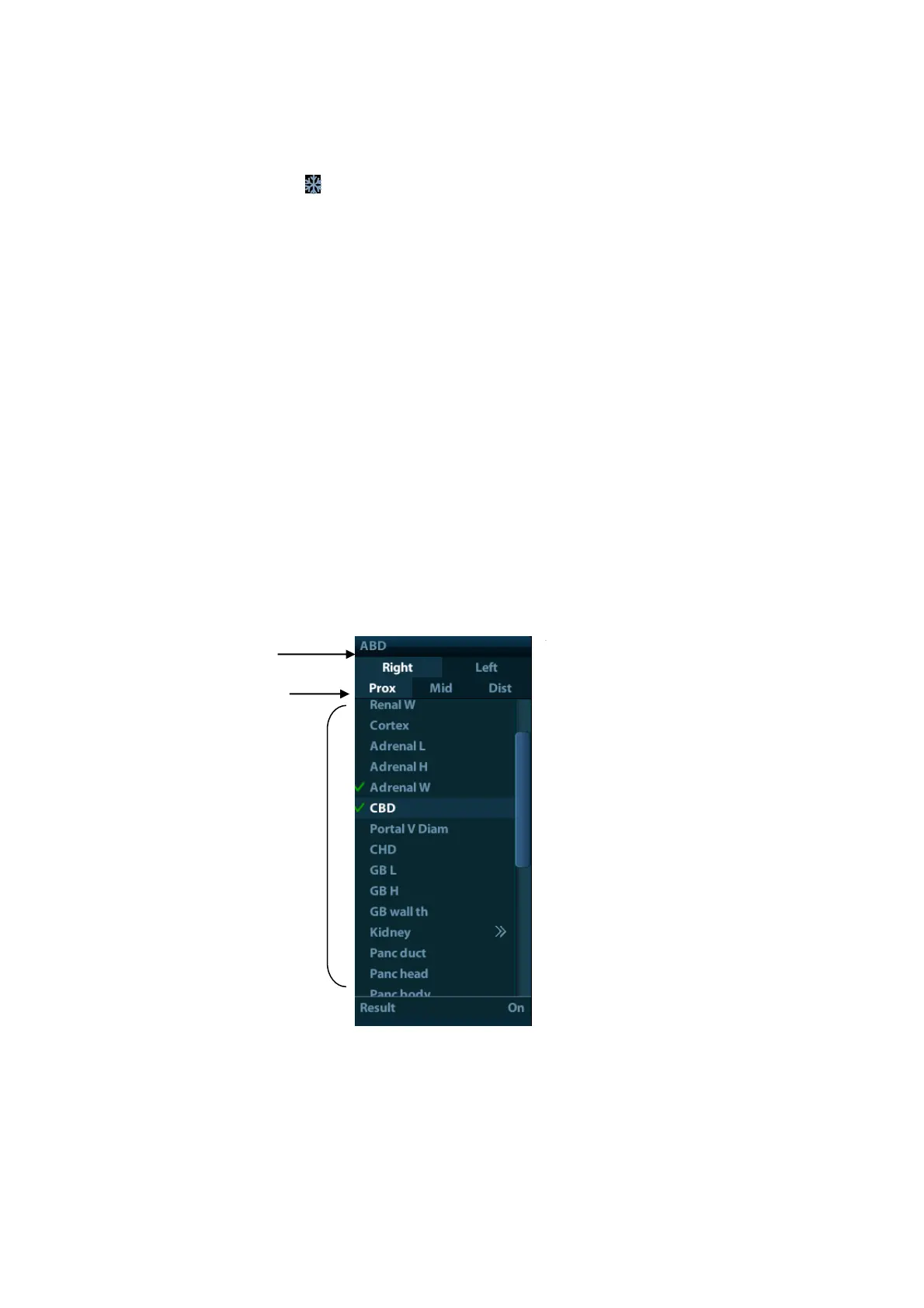
Menu area
Include image menu, measurement menu, comment menu, bodymark menu and so on.
Use the trackball or the multifunctional knob to operate on the menu.
To show or hide the image menu, press <Menu> key on the control panel.
The menu area consists of menu title, menu items. As shown in figure below.
Menu title
Displays the menu name.
Tags
Attribute tags of the item.
Items



 To Next Page