If applicable, press the [No] softkey to keep the entered values.
9.1.2.2 Digital inputs and outputs
Open the menu with - [HW-Slots].
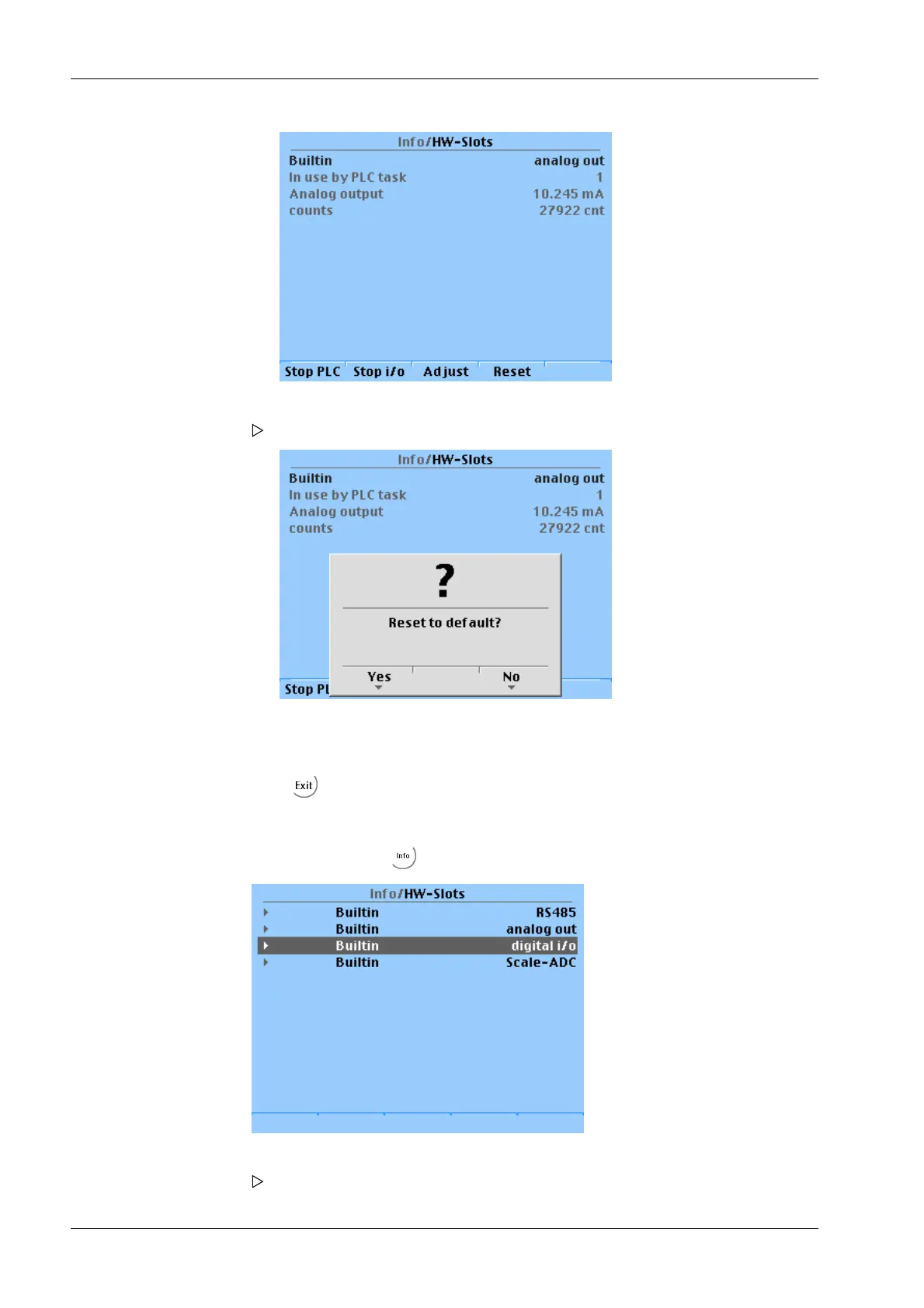
6. Press the [Reset] softkey to reset to the factory settings (4 mA and 20 mA).
A prompt window opens.
7. Press the [Yes] softkey to reset to the factory settings.
8. Press to return to the previous window.
1. Select and conrm the appropriate line.
The following window opens.
Transmitter Series PR 5220 9 Extended functions
Minebea Intec EN-172



 To Next Page
 Loading...

