Input: 0 and 1 (e.g.: 111; 001)
An info window is shown briey.
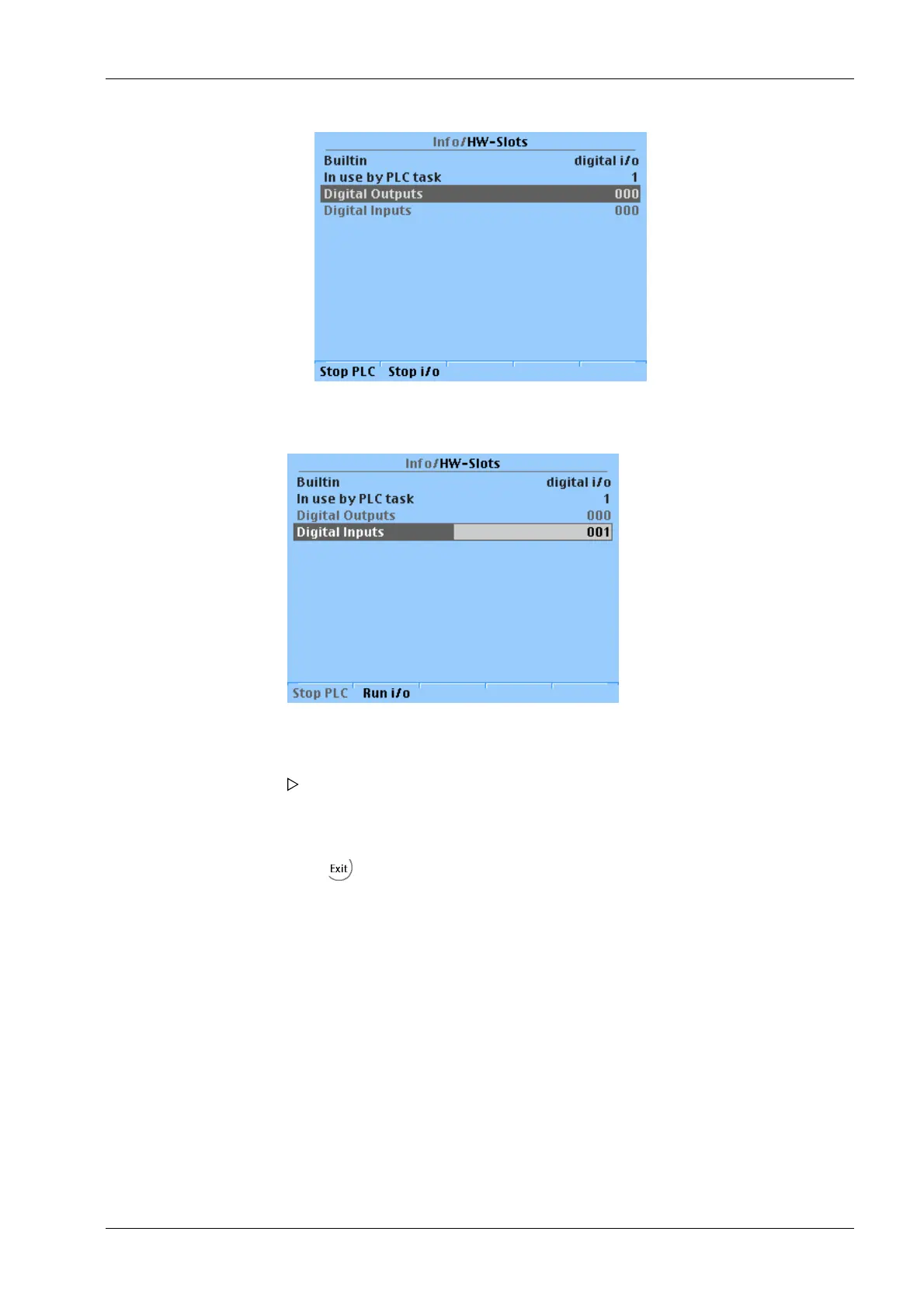
The "Monitor" test mode is active.
2. Press the [Stop i/o] softkey.
3. Enter the input values using the keyboard and conrm.
The inputs are simulated to test the functionality of the PLC (application); see
Chapter 9.1.2.
An info window is shown briey. The "Internal" test mode is active.
4. Press to return to the previous window.
5. Press the [Stop PLC] softkey.
9 Extended functions Transmitter Series PR 5220
EN-173 Minebea Intec



 To Next Page
 Loading...

