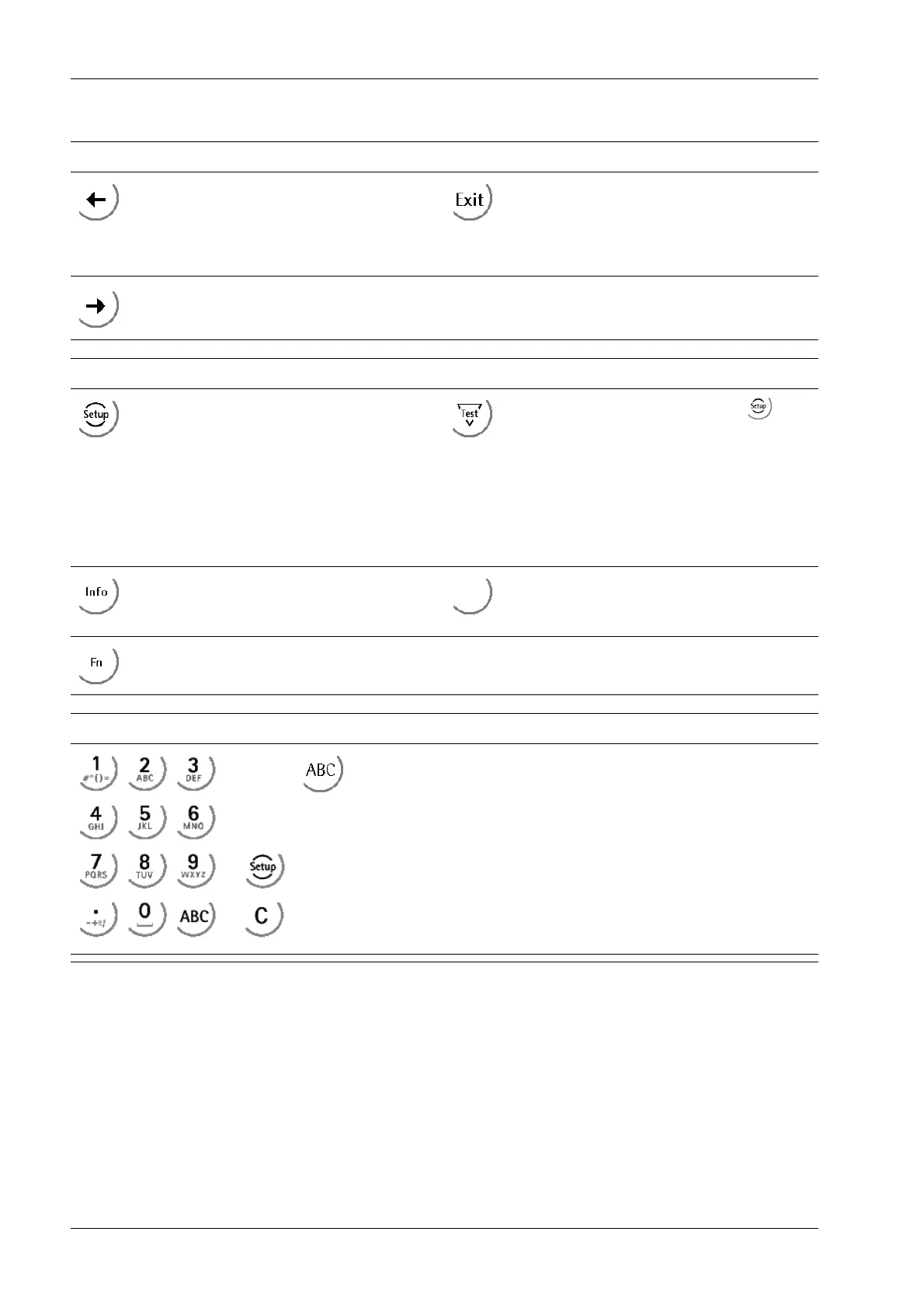
Navigation/menu keys
- Cursor to the left
- Selection
- Cancel entry/selection (after a conr-
mation prompt) without saving the ch-
ange.
- Exit parameters/menu window.
- Cursor to the right
- Selection
Function keys/softkeys
Access the Setup menu.
Depending on the settings under
-[Weighingpoint]- [Calib]- [Param]- [Test
mode] the following is displayed by calling
the test with the key later on:
- with "Absolute" the maximum load
- with "Relative" the deviation from test
value.
Information on version number, tted
hardware, 10-fold resolution
Softkeys 1…5
Select appropriate menu function, see also
Chapter 3.5.4.2.
No function
Alphanumeric keypad
Toggle key
Toggle by pressing:
- between alpha and numerical mode
- during conguration between weight units
Transmitter Series PR 5220 3 Device description
Minebea Intec EN-20



 To Next Page
 Loading...

