Alphanumeric keypad
Pressing once displays the corresponding rst character, e.g.,"A",
at the cursor position. After pressing twice, "B" is displayed at the
cursor position and after pressing three times, "C" is displayed.
Press the cursor key to nish entering a character or wait
approx. 2 seconds.
If only numeric values are required for input, letters are not enab-
led.
Press the cursor key within an entry to return to the previous
character.
Press the cursor key within an entry to select the next charac-
ter.
Within an input, pressing the delete key deletes the character
to the left of the cursor.
Input eld
In principle
If alphanumeric characters are already present in the input eld of
the selected line, they will be completely overwritten after imme-
diate entry.
If alphanumeric characters are already present in the input eld of
the selected line, you can press the cursor key to select the
characters to be overwritten and overwrite them.
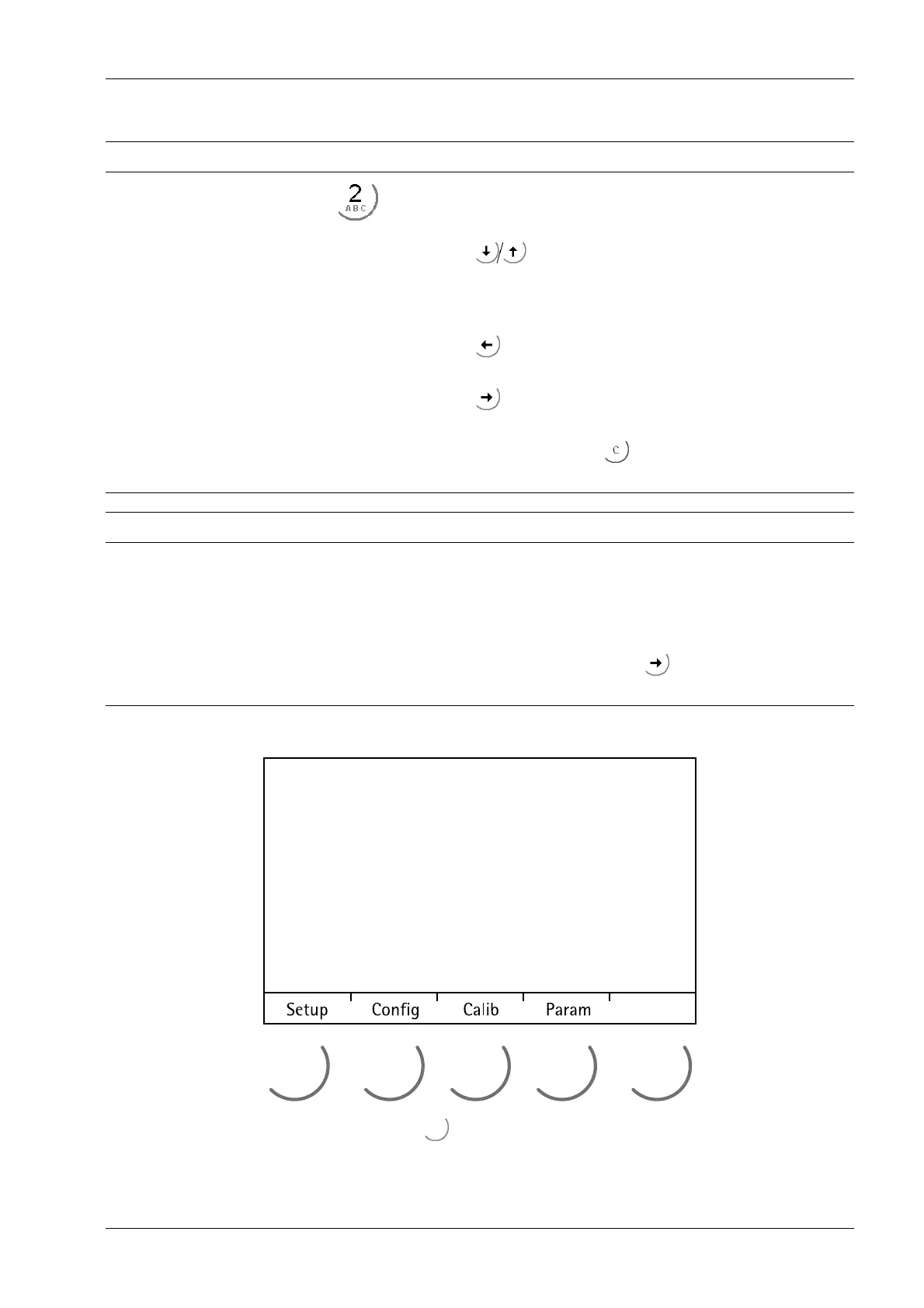
3.5.4.2 Operation using soft keys
The functions of the ve soft keys below the graphic display are indicated in the
bottommost text line of the display. Soft key functions shown in gray cannot be selected
at the active menu level or with the current access privileges.
3 Device description Transmitter Series PR 5220
EN-21 Minebea Intec



 To Next Page
 Loading...

