Mini-Cam CCU210
Beginning the Survey
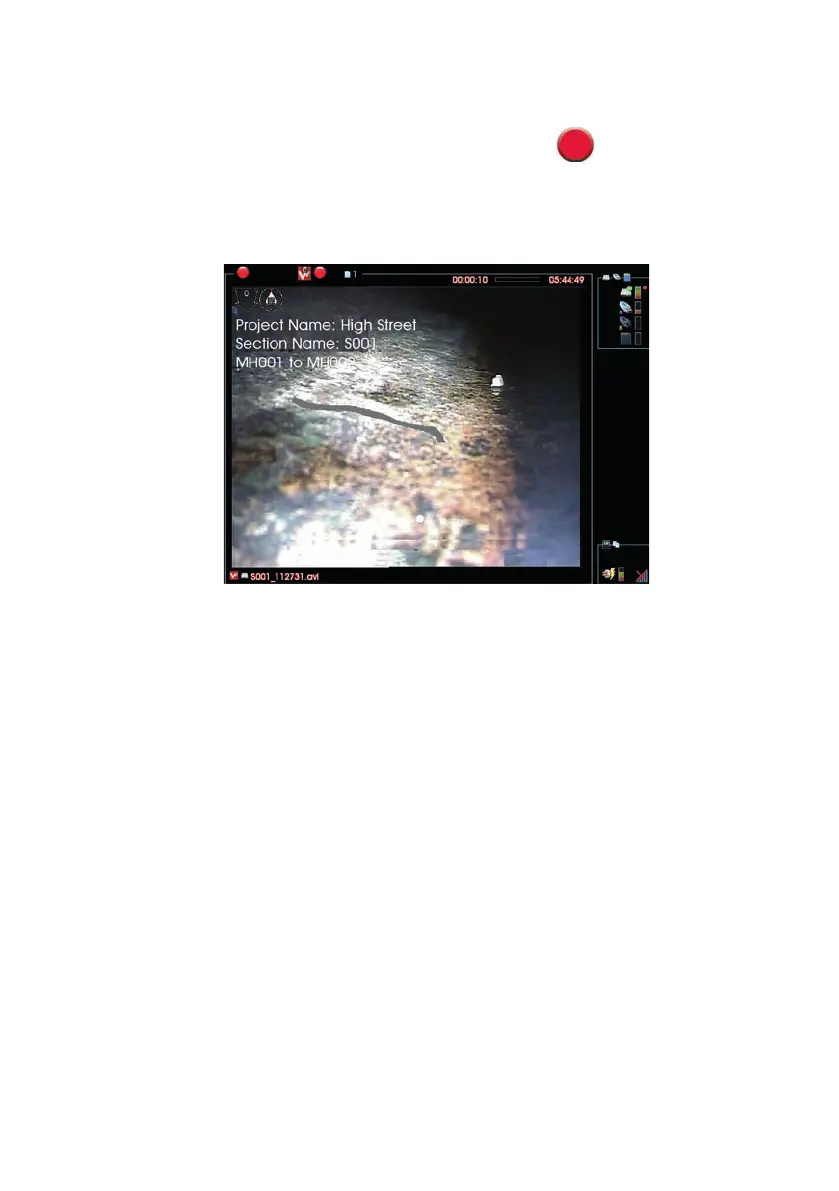
When you are ready to start video recording, press the Record key.
n Video recording starts.
n Your selected “On Video” Header Information text about the survey
appears on the camera screen, and is recorded onto video.
n After a short time, this information is removed.
n You can now perform the inspection Survey.
107
Version G



 To Next Page