Mini-Cam CCU210
Creating a New Observation
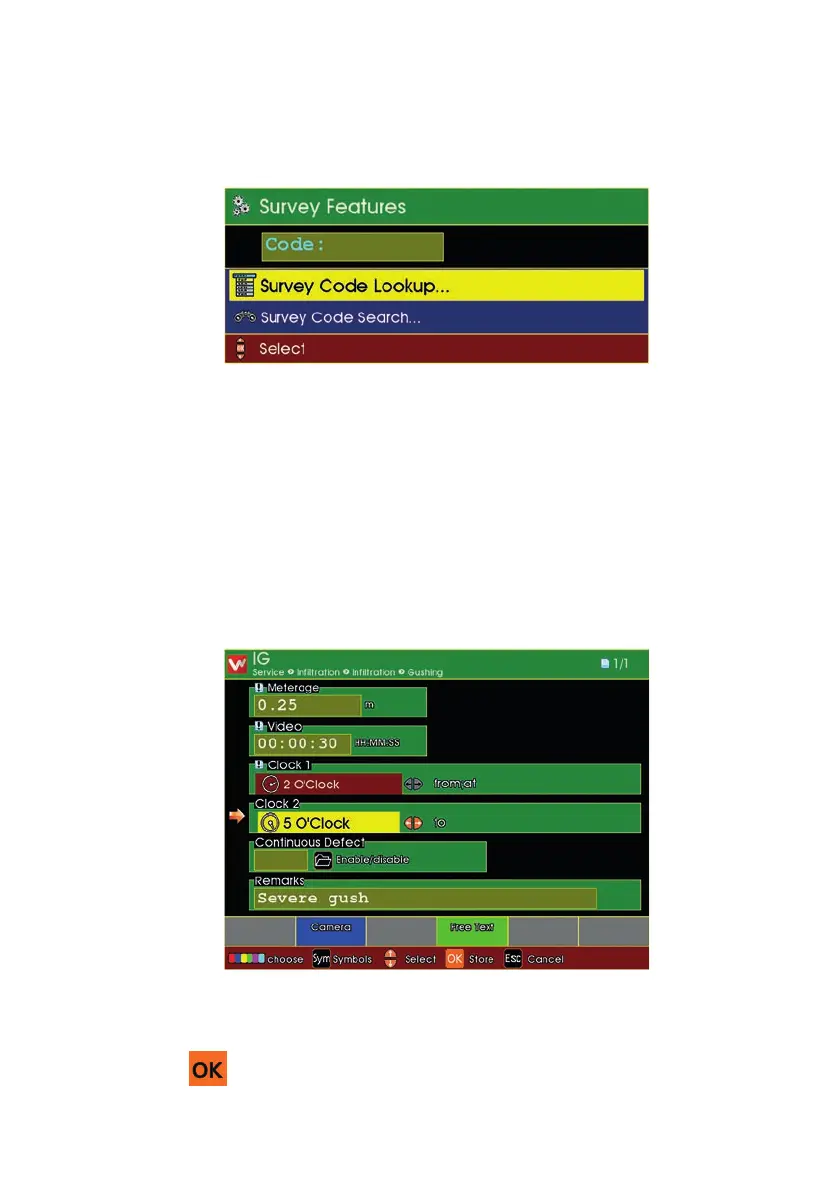
When you have chosen to create a New Observation
n First select the Defect Code for that New Observation.
n This is done in the same way as when the Survey was originally performed.
n Either enter the Defect Code directly, or use Search, or use the Lookup.
When you have selected the Defect Code for the new Observation, the Obser-
vation Information is shown.
n Enter the information as desired.
n Press to store this as a New Observation.
115
Version G



 To Next Page