Mini-Cam CCU210
Joystick
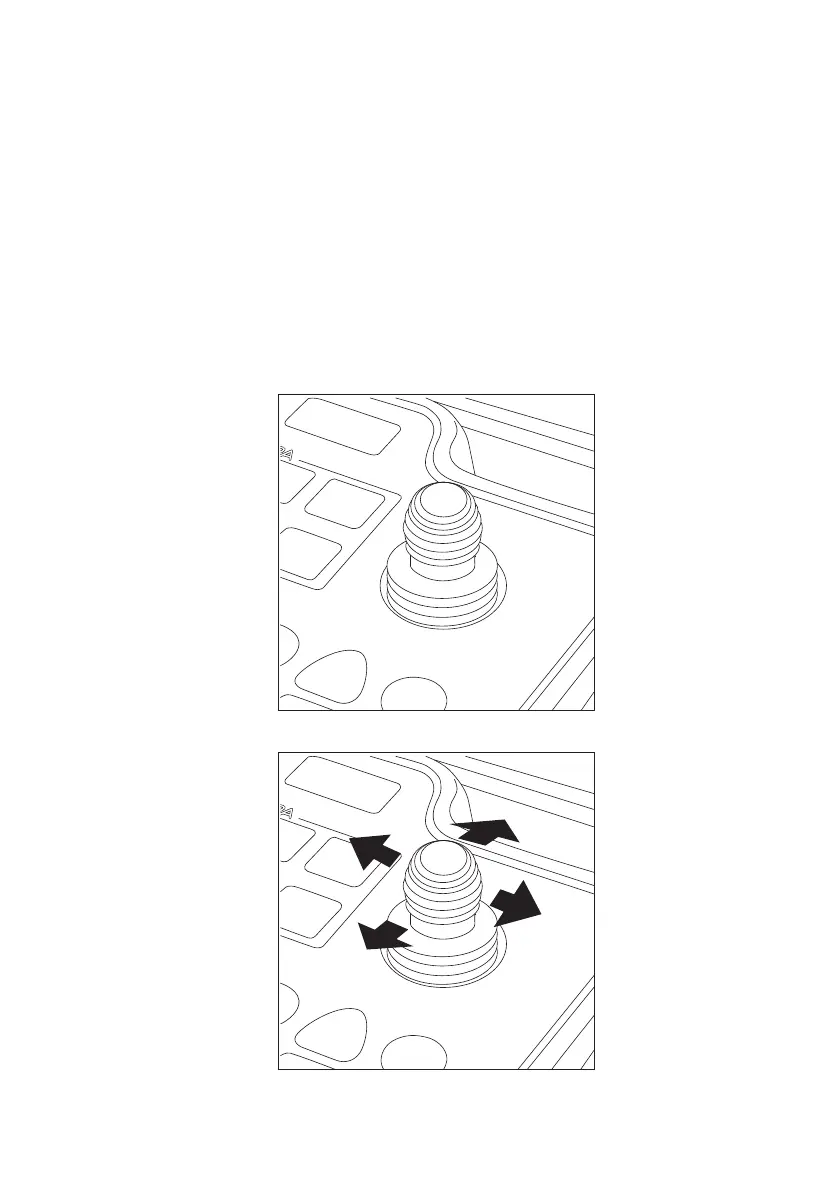
The joystick is located at the top right-hand side of the keyboard. The joystick
only becomes active when CAM026 is connected to the system (see page 97
).
The functions of the joystick are as follows:
Move the joystick Left or Right to perform an 360° endless rotation of the camera
.
Move the joystick Up or Down to pan the camera 135
° + or - (Plus or Minus).
57
Version G



 To Next Page