Mini-Cam CCU210
Detailed User Guide
Using Projects
Each Project is stored in it’s own Folder in memory. The Folder contains all the
information about that Project’s Sections, and their videos, photos, and report
documents.
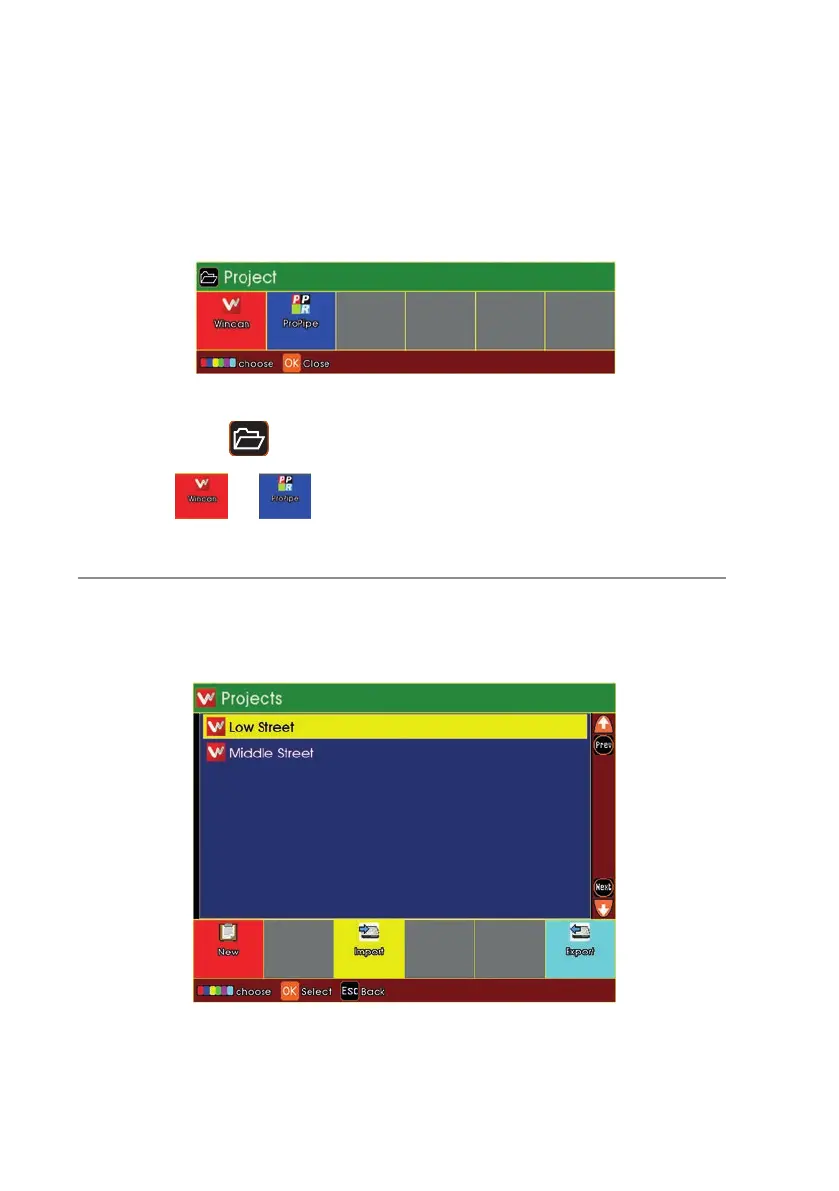
Press the Projects key, and the Project Type choice appears.
n Choose or
The Projects List appears
n If you have any existing Projects, they will appear in the list.
n If you have no existing Projects, the list will be empty
96
Version G



 To Next Page