Mini-Cam CCU210
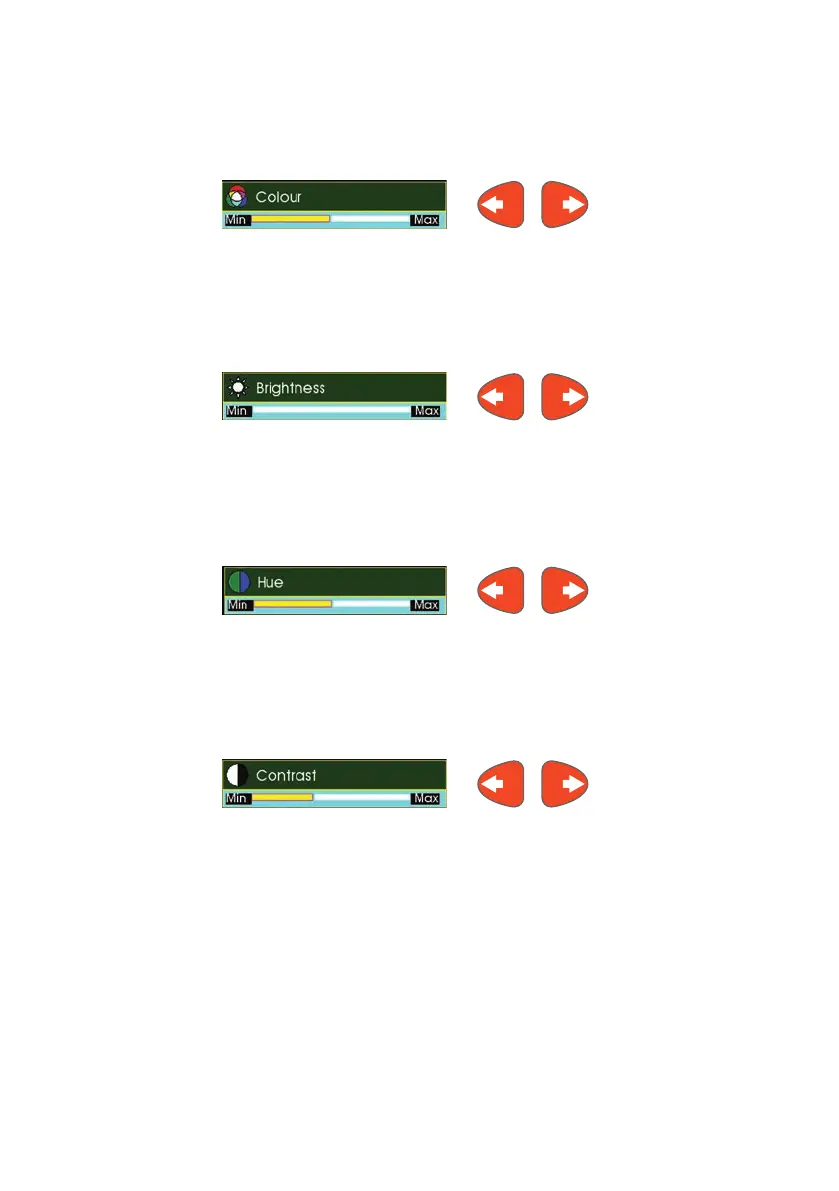
Colour Level
Adjusts the colour level of the picture. Press the Left Arrow or Right Arrow
cursor key to change the setting. Press ‘0’ to reset to default setting.
Brightness
Adjusts the Brightness of the picture. Press the Left Arrow or Right Arrow
cursor key to change the setting. Press ‘0’ to reset to default setting.
Hue
Adjusts the Hue of the picture. Press the Left Arrow or Right Arrow cursor key
to change the setting. Press ‘0’ to reset to default setting.
Contrast
Adjusts the Contrast of the picture. Press the Left Arrow or Right Arrowcursor
key to change the setting. Press ‘0’ to reset to default setting.
These settings do not affect the display of the menus on the screen, only the
video from the camera is affected.
66
Version G



 To Next Page