Mini-Cam CCU210
Special Keys
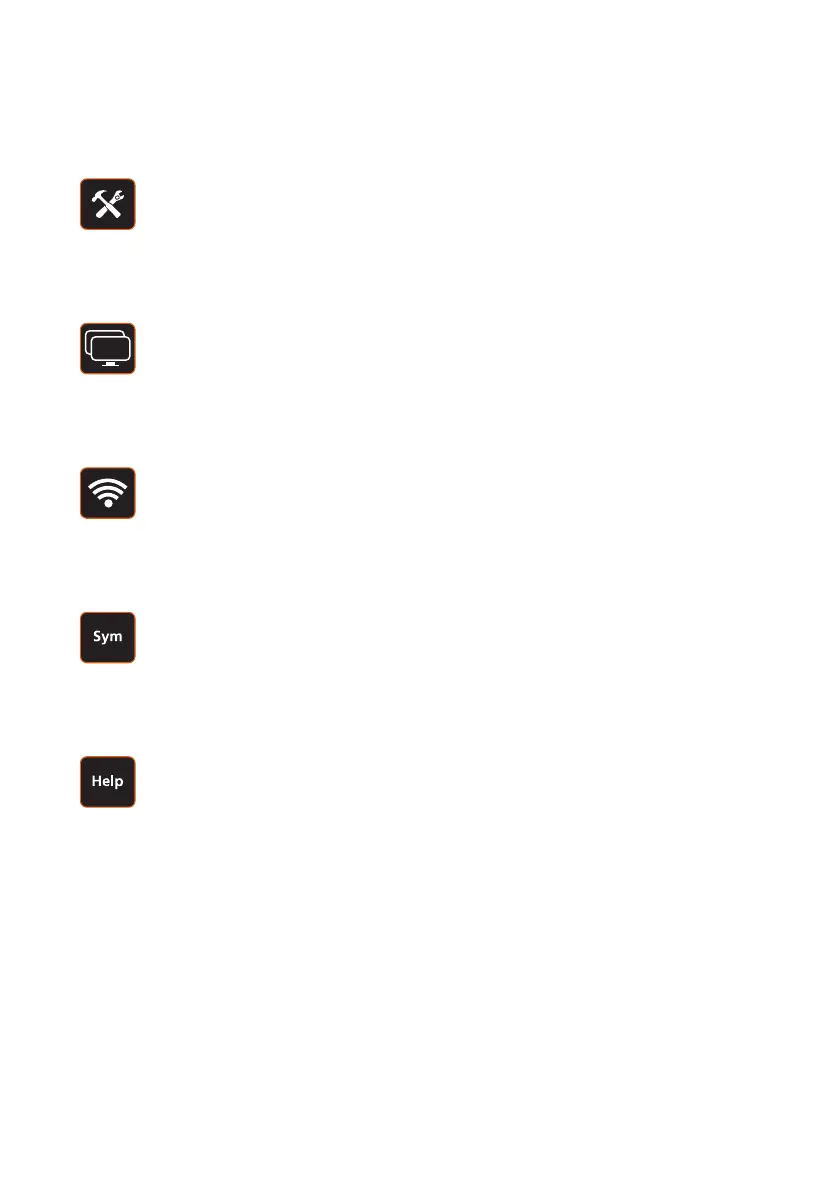
Tools Key (Setup and Configuration)
Press the Tools key and the Setup and Configuration menu will be
displayed. The functions of this menu are described on page 61.
Screens Key
Press the Screens key and the Screens menu will be displayed.
The functions of this menu are described on page 78.
Sonde Key
Press the Sonde key and the Sonde menu will be displayed.
The functions of this menu are described page 79.
Symbols Key
Press the Symbols key and the Symbols menu will be displayed.
The functions of this menu are described on page 80.
Help Key
Press the Help key and the Help menu will be displayed.
The functions of this menu are described on page 84.
60
Version G



 To Next Page