Mini-Cam CCU210
Files and Formats
This menu entry allows the user to select the default filename and file format.
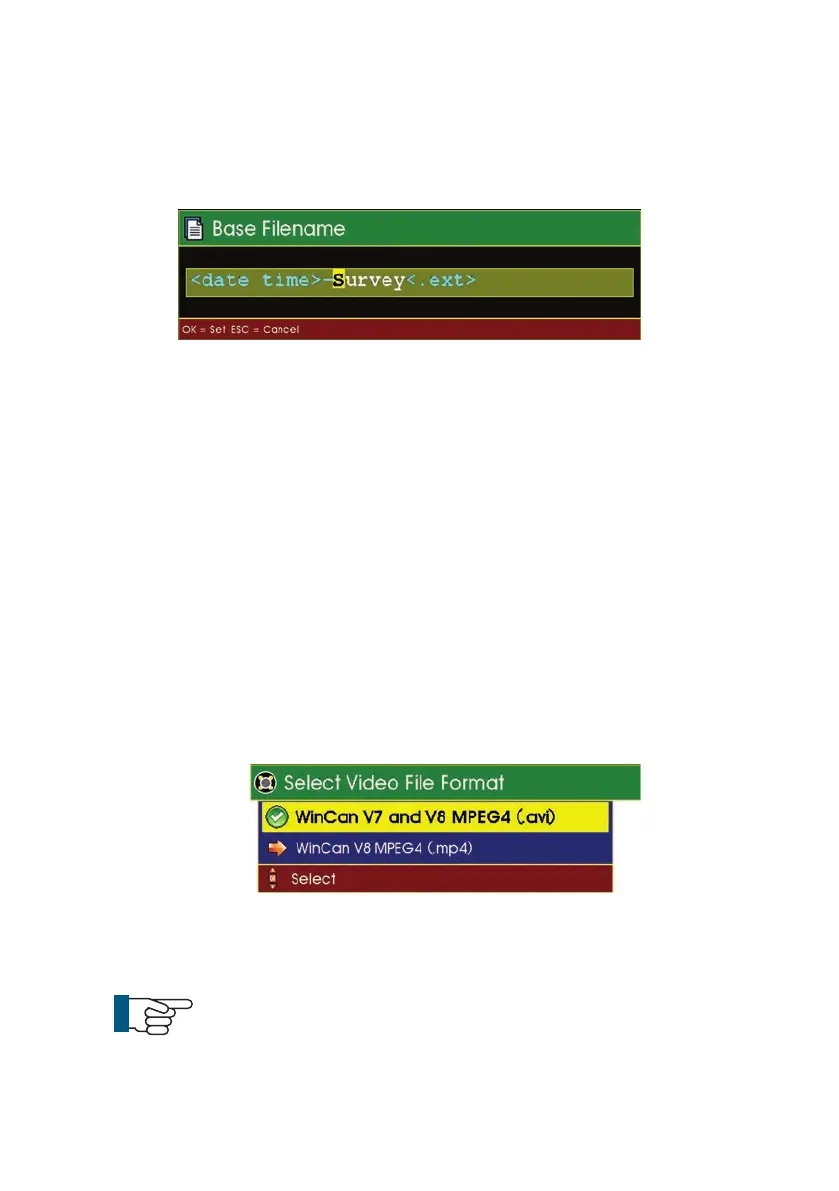
Base filename
When recording a survey,
SOLOPro
+
automatically creates a filename which
is made up from the date (in YYMMDD format) followed by an underscore
character followed by the time (in HHMM format) followed by the default base
filename. Thus the default filename can be set to be the company or industry
standard and all recorded files will automatically be given a unique filename
based on this default.
Example filename:
160630_1059-Minicam.avi
This indicates that the file was recorded on the 30th June 2016 and started at
10:59. Mini-Cam is the default filename and .avi shows that the file is in the
motion video AVI format
Video File Format
AVI (MPEG4) is a motion video file which can be played back using WinCan V8,
WinCan VX, Windows
®
Media Player and most other third party readers.
NOTE !
Please note that an additional codec may need to installed on the
host PC or Mac to play back video files. We recommend DivX.
63
Version G



 To Next Page