Mini-Cam CCU210
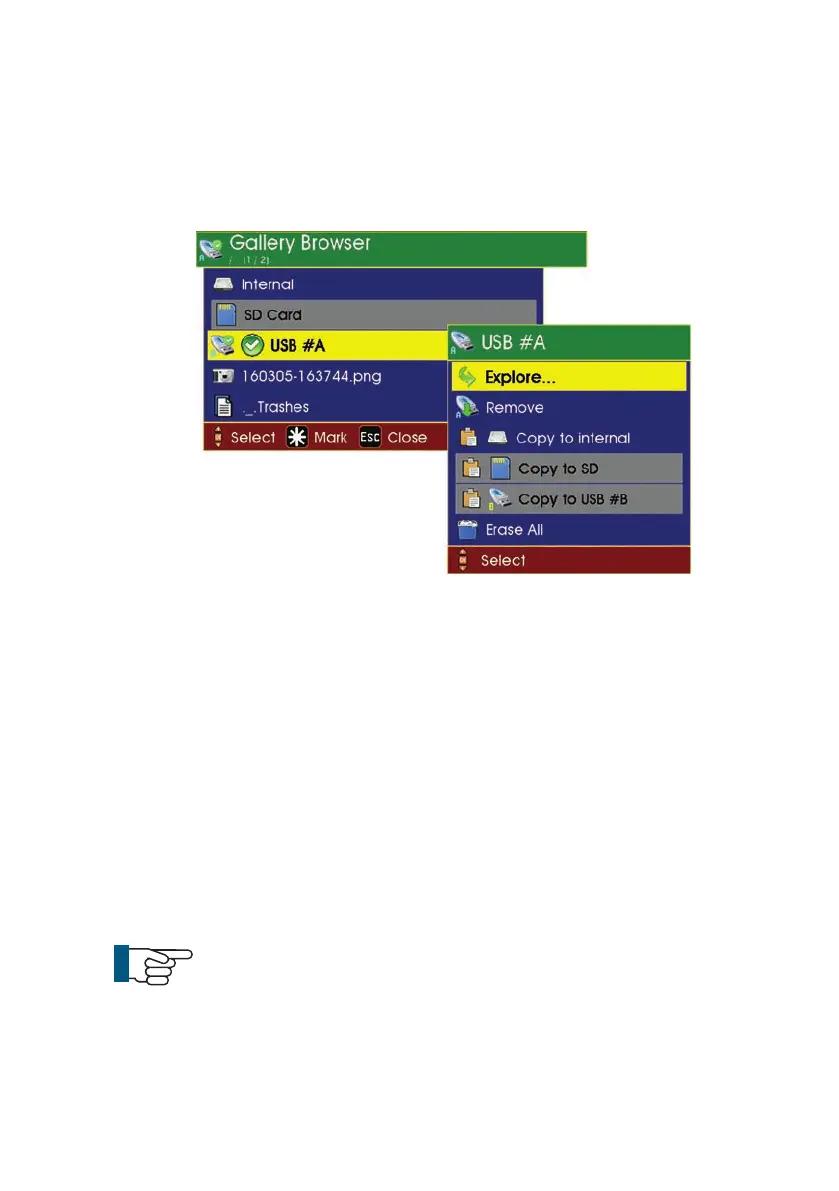
To view files contained inside the Daily Directory
1 Highlight the file to be viewed and press OK
2 Select Explore.
To select one of the files for viewing
1 Highlight the file and press OK. A sub-menu is displayed as shown below:
Explore (see note below)
Copy to
Rename
Delete
2 Select Explore. This will show video files within the Daily Directory
NOTE: If the selected file is a .jpg picture, then the first menu entry
is Show and if the selected file is an .mp4 or .avi movie file, then
the first menu entry is Play.
49
Version G



 To Next Page